AI YouTube Script Writer: How I Use Subscribr AI for Viral Videos
Last updated: July 2026
Author: Greg Preece — I test AI video tools hands-on to show creators how to build streamlined, high-retention workflows. After eight years on YouTube and millions of organic views, I know exactly what separates a generic script from a viral one.
ChatGPT and DeepSeek are incredible general-purpose artificial intelligence models, but let’s be honest: they are terrible at writing scripts for YouTube. If you rely on them out of the box, they will hand you a generic, dry, and robotic draft that completely destroys your viewer retention.
But after extensive testing, I have found a dedicated AI YouTube script writer that flips this formula. It analyzes your unique channel voice, studies external research (including other videos), and builds retention science directly into your scripts.
In this guide, I will show you how to set up this tool, walk you through my exact scriptwriting workflow, and explain how to generate highly engaging video drafts in less than 30 minutes.
Prefer to watch? Here's the video. Prefer to skim? The full breakdown is below.
Try Subscribr here: Try Subscribr →
Table of Contents
- Why Generic AIs Fall Short for Script Writing
- What Makes Subscribr AI Different?
- Step-by-Step: How to Write a High-Retention Script
- The Reality Check: The 80/20 Rule of AI Scripting
- Frequently Asked Questions
Why Generic AIs Fall Short for Script Writing
Most standard AI platforms do not understand the subtle art of keeping a viewer glued to a screen. If you ask [ChatGPT](/articles/best-ai-script-writer-for-faceless-youtube-channels) to write a script about any niche topic, you will typically get a highly structured, school-essay-like format:
- A formal introduction ("Hello and welcome back to my channel...")
- Bullet points that sound like a textbook
- No pacing adjustments or pattern interrupts
- No psychological loops to keep people from clicking away
If your script sounds like everyone else's, your videos will not get pushed out by the algorithm. To stand out and go viral, your scripts need structural tension, voice authenticity, and calculated pacing.
What Makes Subscribr AI Different?
Subscribr AI (phonetically referred to as Subscriber AI in the transcript) is an AI-powered platform built exclusively for YouTube creators. Instead of generating generic walls of text, it structures your scripts using proven video frameworks.
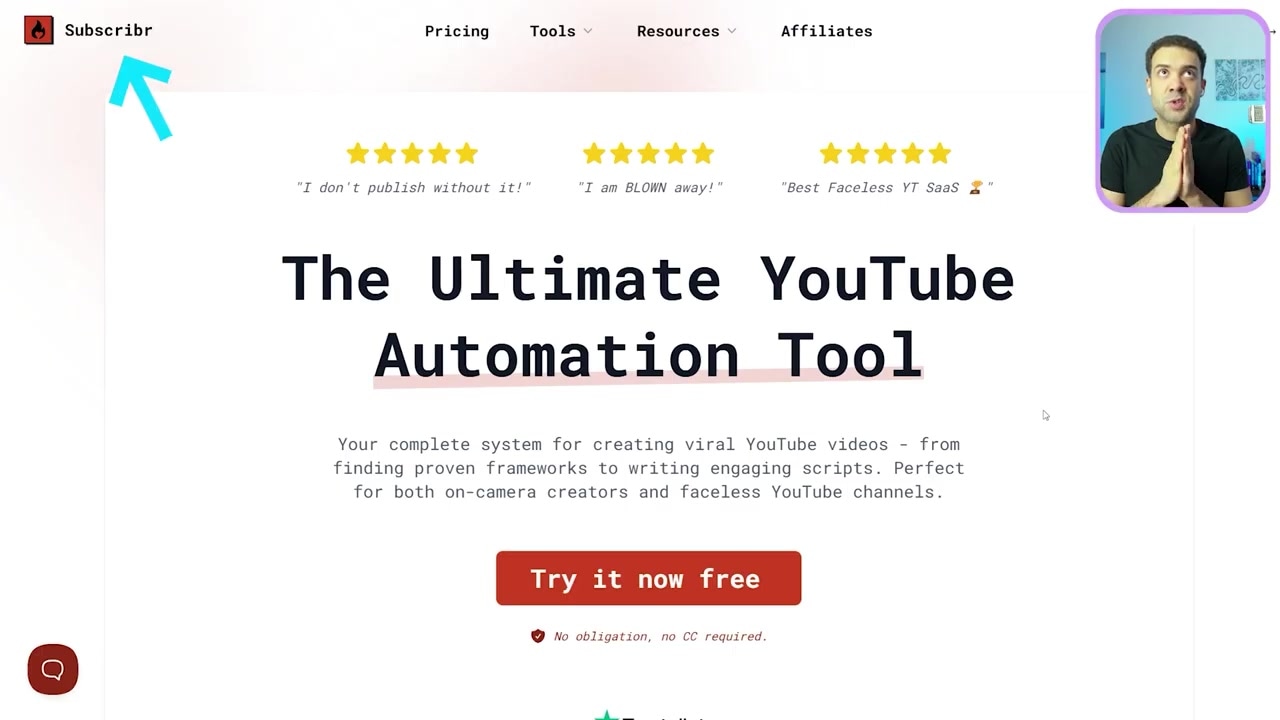
Caption: The Subscribr AI landing page where you can start the $7 seven-day trial and begin scripting.
The core framework of Subscribr rests on three pillars:
- Channel Voice Matching: It connects directly to your YouTube channel and studies your past videos so the script actually sounds like you.
- Flexible Multi-Source Research: It allows you to feed the AI blogs, articles, and even existing YouTube videos to study before it drafts.
- Built-In Retention Psychology: It forces you to select specific "hooks" and "payoffs" to maintain high viewer watch time throughout the video.
Step-by-Step: How to Write a High-Retention Script
Here is my quick tutorial on how to connect your channel, import your research, and generate a competitive script from scratch.
Step 1: Connect Your YouTube Channel
Before writing, you need to sync the tool with your existing content so it can analyze your style, voice, and audience.
- Log into your account and click Channels at the top of the dashboard.
- Click the Add YouTube Channel button.
- Follow the prompts to connect your channel.
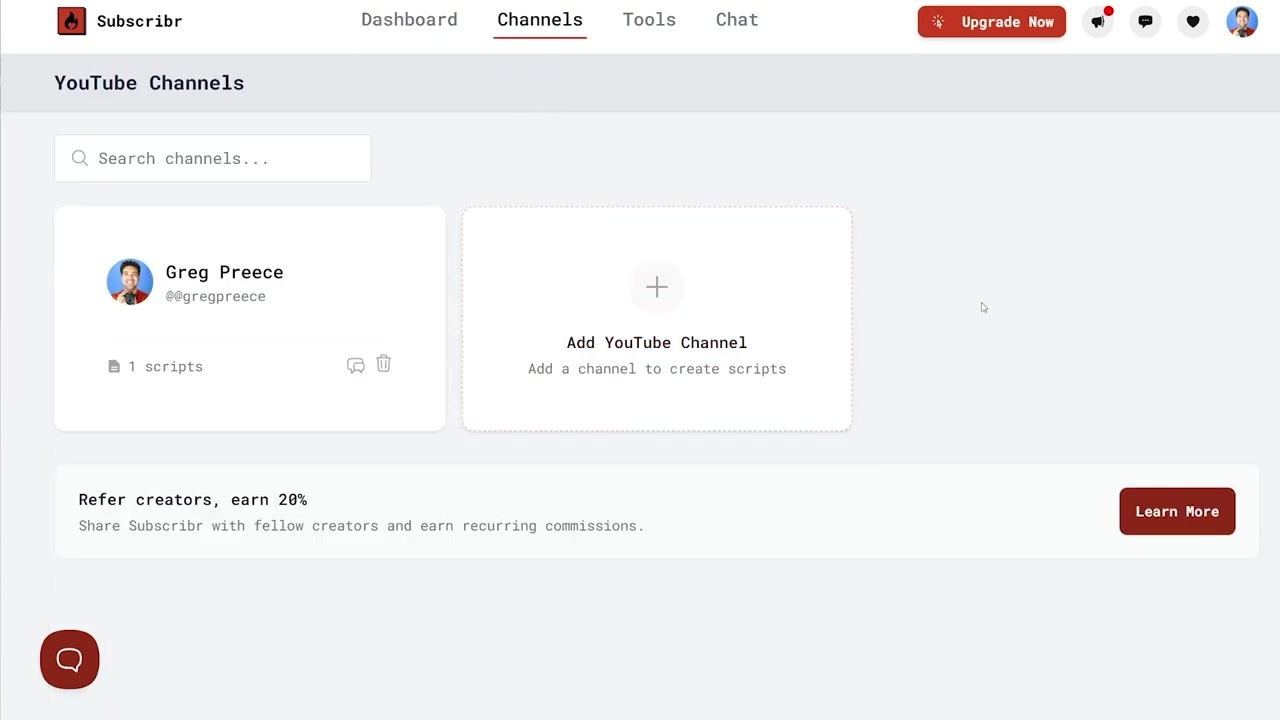
Caption: The Channels dashboard where you can sync your channel to let the AI learn your brand voice.
Once connected, Subscribr stores your channel profile on the left side of the dashboard, ready to apply your personal style to any future draft.
Step 2: Define Your Topic and Video Settings
Scroll down on your dashboard and click the Create Script button to start the generation wizard.

Caption: The initial setup screen where you define your video topic, format, and target duration.
On this screen, configure your core video details:
- Topic Input: Type in your video's main topic and list any specific details you want included.
- Format Style: Use the drop-down menu to choose your style—such as a documentary, review, vlog, or commentary script.
- Target Duration: Use the drop-down to specify how long you want the final video to be.
- Working Title: If you already have a title in mind, enter it here.
Step 3: Feed Your Research Sources
A great script relies on accurate, interesting information. In the research step, you can point the AI toward specific data sources to build your outline.
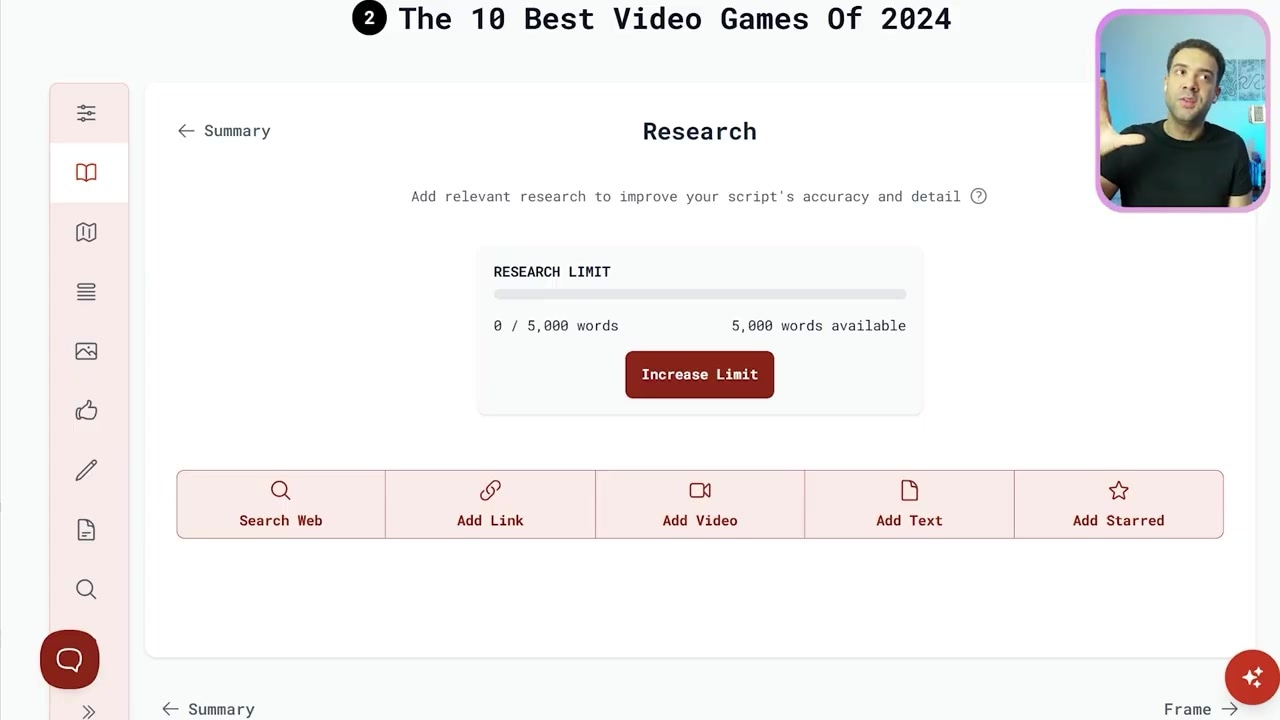
Caption: The research step allows you to select web searches, text blocks, or other YouTube videos as sources.
You have four research options to choose from:
- Web Search: Let the AI search the internet in real-time for updated information.
- Web Links: Paste links directly to news articles, case studies, or blog posts.
- Custom Text: Copy and paste your own scattered notes or outline directly into the text box.
- Add Video: This is my favorite feature. You can paste a link to an existing YouTube video for the AI to analyze and study as inspiration.
Note: If you don't have sources ready, the AI will default to searching the web dynamically.
Step 4: Finalize Your Title and Thumbnail Concept
Before writing a single word of your body copy, you must have your title and thumbnail established. Your script needs to deliver on the exact promise made by your packaging. Subscribr generates a variety of concepts for both to help you align your script structure early.
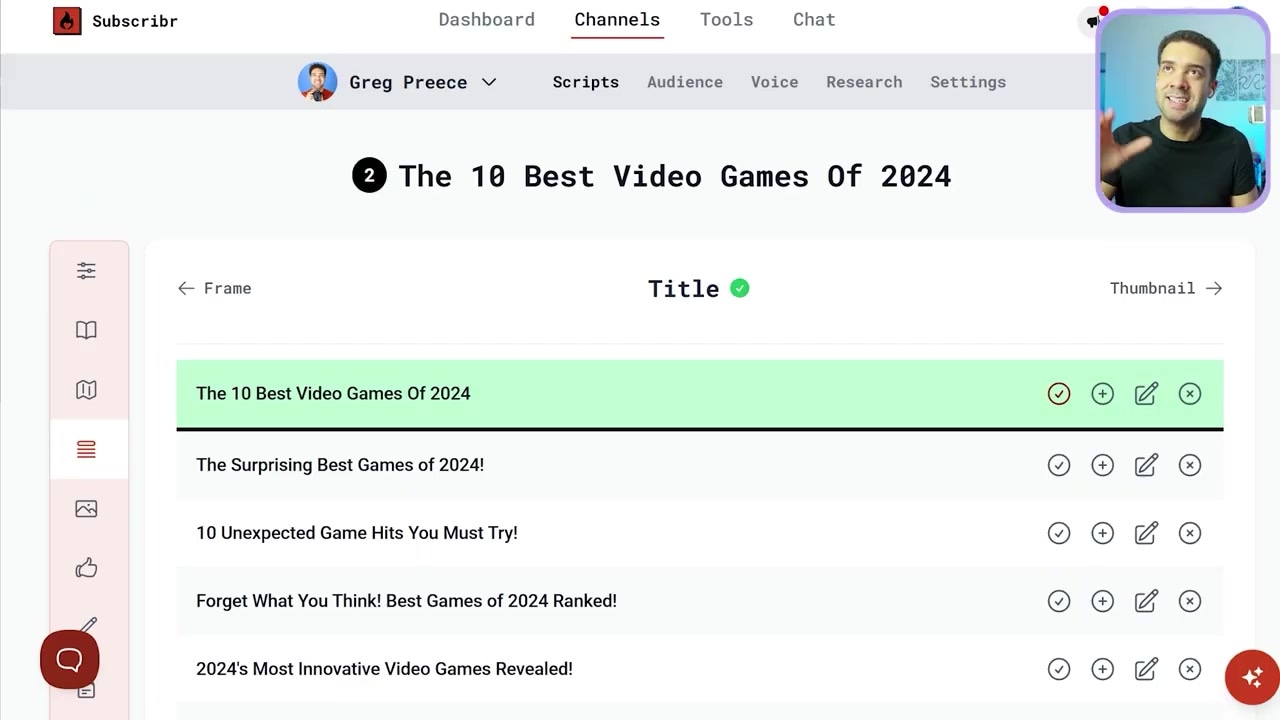
Caption: Select your title and review matching thumbnail concepts to ensure your script packaging matches your content.
Review the generated ideas and select the title and thumbnail concept you plan on using.
Step 5: Embed Your Hooks and Payoffs
This is where Subscribr leaves generic LLMs behind. To keep viewers watching, you must include two ingredients: Hooks and Payoffs.
- The Hook: A calculated phrase at the very beginning of your video that captures attention, establishes a stakes-driven narrative, and stops viewers from clicking away.
- The Payoff: Strategic mini-rewards or insights sprinkled throughout your video. They act as "re-engagement" points that feed the viewer's curiosity and keep them watching to the end.

Caption: Scroll through the AI's suggestions to pick a viral-optimized hook and choose your strategic payoffs.
Subscribr generates a list of potential hooks and payoff beats based on your research. I typically recommend selecting two to three payoffs for a standard 10-minute video. Select your favorites to lock them into the script structure.
Step 6: Generate and Polish Your Outline
Once you have selected your topic, research, packaging, hooks, and payoffs, click the button at the bottom of the screen to generate your draft.
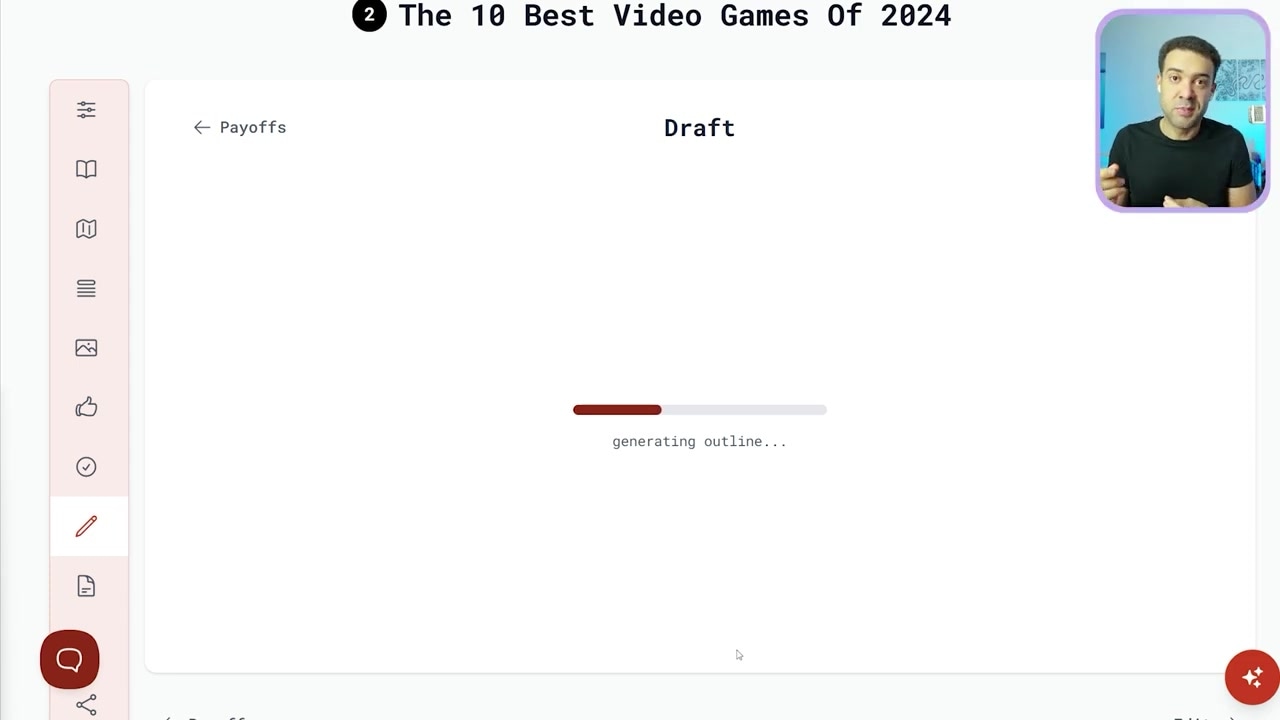
Caption: The completed script output inside Subscribr's editor, cleanly broken down with built-in hook and payoff markers.
In just a few seconds, Subscribr will provide a fully written YouTube script containing your designated hook at the start, clean section structures, and your payoff beats embedded naturally throughout.
The Reality Check: The 80/20 Rule of AI Scripting
While Subscribr is leaps and bounds ahead of other tools, here is my honest reality check: no AI script is 100% perfect out of the box.
I find that Subscribr gets me about 80% of the way to the finish line. It completely removes the pain of the blank page, maps out a highly psychological structure, and compiles your research flawlessly. However, you will still need to spend a bit of time manually editing the script to add your own personal anecdotes, refine the pacing, and polish the final lines so they are completely camera-ready.
Once your script is locked and your video is filmed, you can focus on saving time on the editing side of your production pipeline to build a fully optimized content machine.
If you're ready to speed up your content creation, you can write your first scripts on a $7 seven-day trial. Try Subscribr here: Try Subscribr →
Frequently Asked Questions
Does Subscribr have a free trial?
Subscribr no longer offers a free trial. You can start with a paid seven-day trial for $7, which gives you around 30 AI credits, then renews at $299 a year on annual billing.
Can Subscribr write scripts that sound like me?
Yes. By linking your YouTube channel under the "Channels" tab, the AI analyzes your existing video uploads to capture your specific tone, style, and vocabulary.
Do I still need to edit the generated script?
Yes. The AI gets you roughly 80% of the way there. You should always read through the script to make minor manual adjustments, inject personal stories, and ensure it flows naturally for your on-camera delivery.