123 articles found
Learning how to prompt AI video generators can be incredibly expensive when your first attempts fail. Higgsfield solves this with ready-made presets and low-cost models that let you experiment without draining your budget.
Discover why Seedance 2.5 is the top choice for solo filmmakers who need absolute character consistency across every shot.

Compare Gling's pricing plans, including monthly and annual rates for Plus, Pro, and Elite tiers. Learn what each plan includes and how the free plan limits your export options.

Explore Subscribr's pricing tiers from the free plan up to the Max package. This breakdown explains the fine print on video limits and helps you choose the right script and video credits for your channel.
A detailed cost comparison of ElevenLabs, Fish Audio, and Speechify Studio, showing exactly what a finished minute of AI narration costs at different production volumes.

Want to create realistic AI videos of yourself without complex prompting? Here is a step-by-step guide to using Envato's AI Video Generator and motion references to get perfect results.
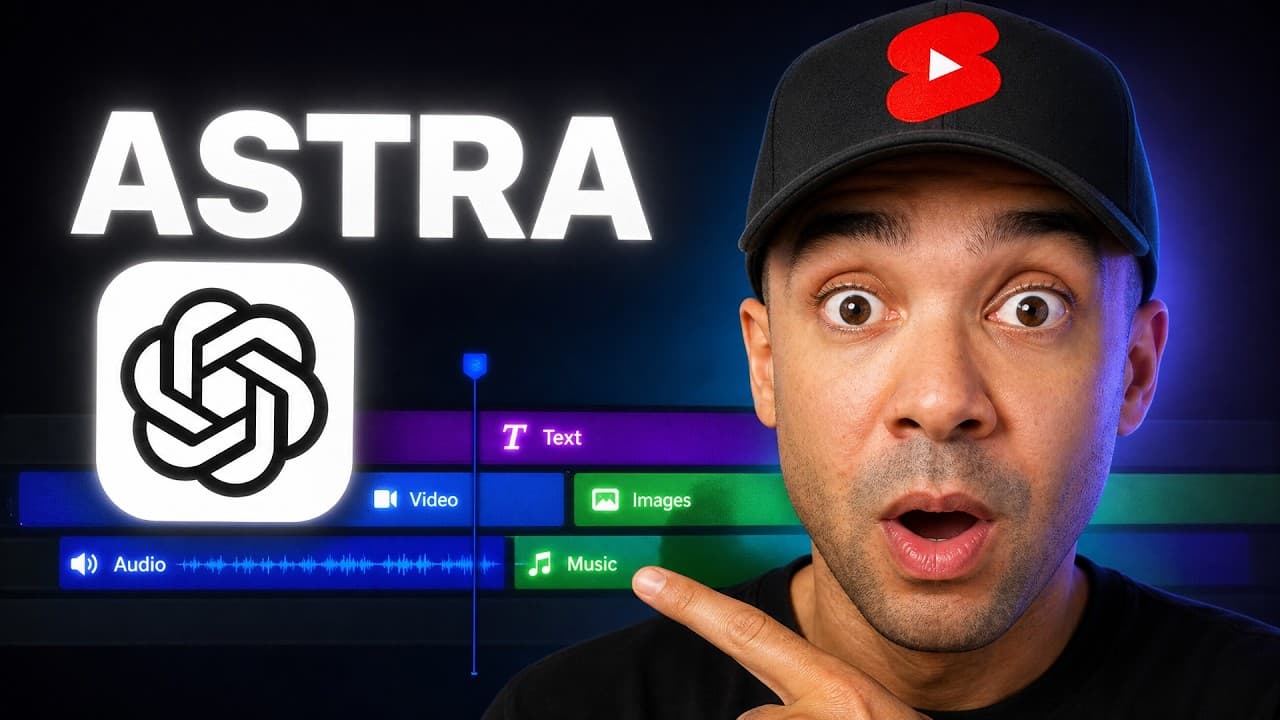
Discover how to completely automate your short-form video editing using OpenAI's new GPT-6 Astra model and the OpusClip AI Producer plugin inside ChatGPT Codex.
A hands-on look at the 8 best AI video editing features in Adobe Firefly. Learn how to edit faster, generate synced audio, and use third-party partner models like Luma Ray and Kling inside your timeline.
I tested four game-changing Adobe Firefly features—including Tune sliders, Topaz upscaling, and bulk AI commands—to see if they can speed up a professional design workflow.
If you manage multiple YouTube channels, Poppy AI keeps your research organized in dedicated workspaces so your strategies never cross-contaminate. Discover why this visual canvas is the ultimate script research tool for multi-channel managers.
A complete breakdown of Synthesia's pricing tiers, credit mechanics, and plan limitations. Learn how the free plan compares to paid tiers and what each credit actually buys you.
Last updated: 30 September 2026 Prices checked weekly on vidIQ's own pricing page. vidIQ sells 3 plans and one pot of credits, and the pot is the only number th...
How to Use Agent Opus: My Step-by-Step Claude Ad Automation Guide Last updated: September 2026 Author: Greg Preece — I test AI video tools hands-on to help...

An in-depth breakdown of Higgsfield's subscription plans, credit costs, and hidden tier limitations. Discover how much popular video models actually cost to run and how the annual discount math works.
Compare the actual cost of generating a five-second AI video clip across 11 top tools, including Wan, Adobe Firefly, Higgsfield, and Runway. Discover why the exact same model can cost anywhere from 8 cents to over a dollar depending on the platform.
A complete guide to Agent Opus pricing plans, credit limits, and actual costs. Learn how different video modes affect your generation allowance before you buy.

Compare the actual costs of converting long recordings into short clips. OpusClip is the cheapest option under 5 hours, while Descript is more cost-effective for larger volumes.
Learn how to set up the newly released Agent Opus MCP in Claude or ChatGPT. Step-by-step installation instructions, troubleshooting tips, and 5 advanced automated video workflows.
OpusClip is the ultimate clipping tool for podcast shows that need to deliver weekly social media reels on a tight schedule. Discover how it outperformed competitors in speed and clip volume in a real head-to-head test.
If you run a faceless YouTube channel, writing scripts is often your biggest bottleneck. Subscribr helps you scale by writing drafts in your channel's unique voice with pre-built hooks and payoff structures.
Kling AI's advertised prices only apply to your first month. Learn how much plans actually cost from month two, how credits are spent, and what each tier offers.

Understanding OpusClip's credit system is key to choosing the right tier. Discover why the Starter plan actually costs more than Pro and how to make your credits last longer.
HeyGen's subscription tiers look straightforward, but your actual cost per minute depends heavily on the avatar model and Look type you choose. This breakdown analyzes the real costs behind Creator, Pro, and Business plans.
We break down the actual cost per minute for five leading AI avatar video tools. Discover why your choice of engine impacts your bill far more than monthly video volume.
Discover how ElevenLabs v3 simplifies freelance voiceover revisions by replacing re-recording sessions with simple text-tag edits. Learn how to manage client feedback efficiently while avoiding critical licensing pitfalls on freelance platforms.
Discover why HeyGen is the ideal AI avatar tool for B2B software teams that need to update product demos quickly. Learn how a single short recording lets you update video content simply by editing the script.
An in-depth analysis of Descript's pricing plans, media hours, and AI credits. Discover the hidden limits of the Hobbyist plan and find the right tier for your video editing needs.
An in-depth breakdown of ElevenLabs' 2026 pricing plans and how a single pool of credits is consumed at wildly different rates across voice, music, and dubbing.
ElevenLabs Music stands out for YouTube creators by allowing precise section-by-section editing and timeline stretching. Learn why it is the top choice for video scoring and how to navigate its licensing tiers.
Higgsfield Marketing Studio creates video ads directly from your product links instead of prompts, making it ideal for rapid creative testing. Discover how it handles high-volume ad generation, its limitations, and why to choose credits over unlimited plans.
If you want to sell your existing video course in multiple languages, HeyGen offers a powerful AI video translator. Here is why its multi-language player makes it the best choice for course creators, along with where it falls short.
Discover how Gling automates the tedious first pass of video editing by cutting silences, filler words, and bad takes directly into a Premiere Pro XML.
Descript simplifies video editing for nonprofit and education teams by letting them edit transcripts instead of complex timelines. Discover if this AI video editor is the right fit for your organization.
If your YouTube channel is not yet monetized, OpusClip is the best tool to quickly turn your long-form archive into Shorts before the Partner Program requirements increase in 2027. Here is how it compares and where it falls short.
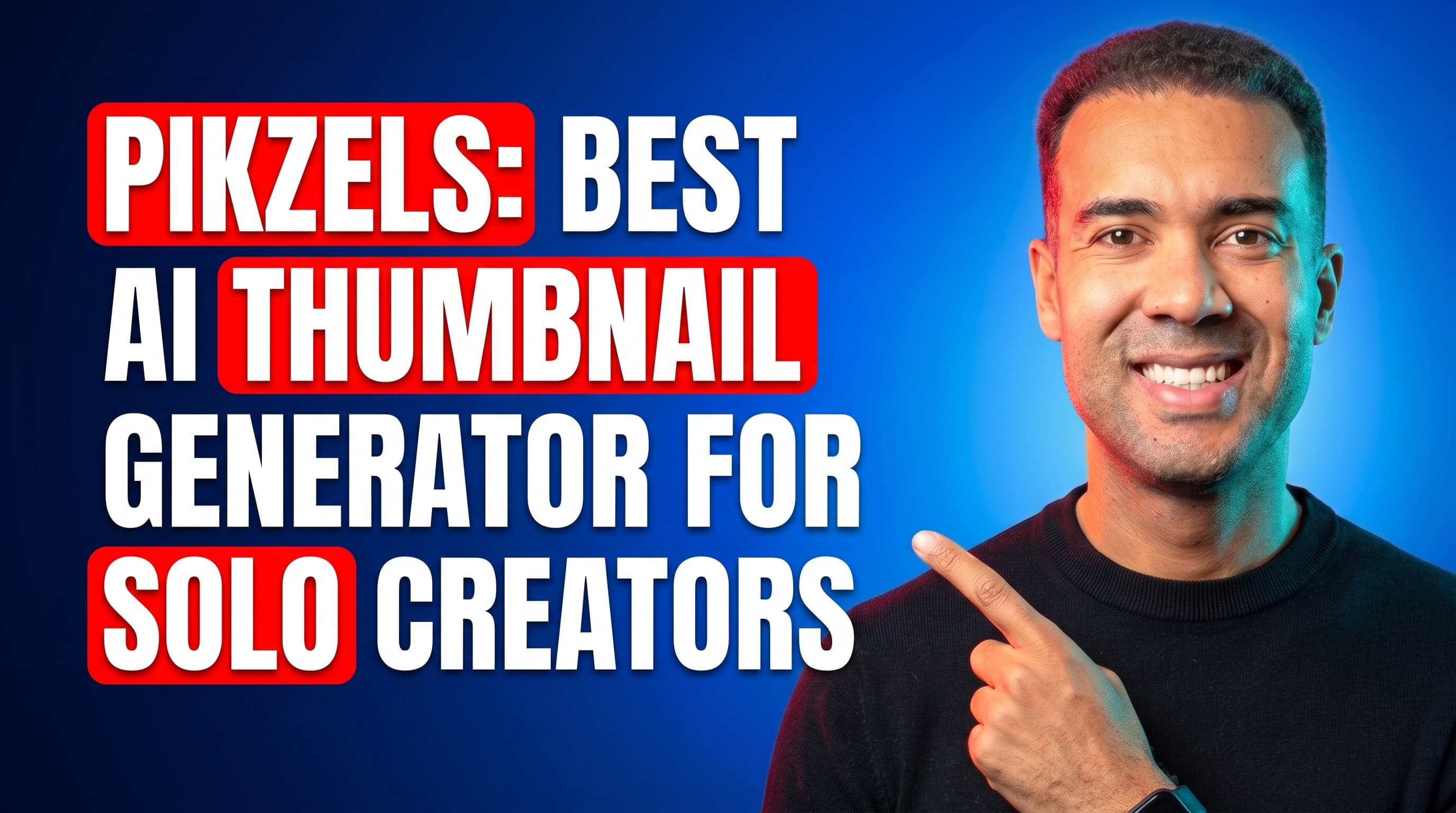
Pikzels is the ultimate AI thumbnail generator for solo YouTubers, letting you train your face once and reuse it consistently. Learn why it beats general image generators and how to use it effectively.
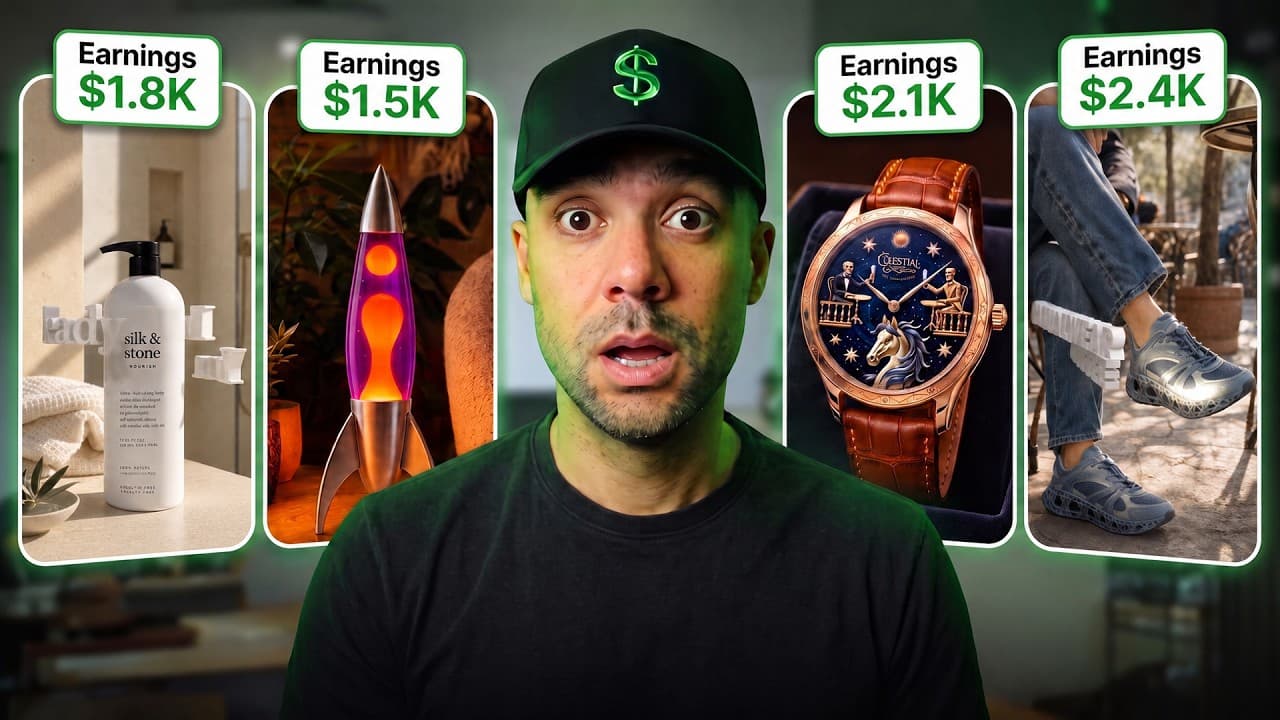
Converting product photos into high-converting videos is tough. Here is a step-by-step workflow showing how I use Hedra Agent 2 to build aesthetic product videos in just two clicks.
A complete step-by-step guide to setting up the OpusClip Model Context Protocol (MCP) in Claude.ai to automate your short-form video creation, styling, and distribution pipeline.
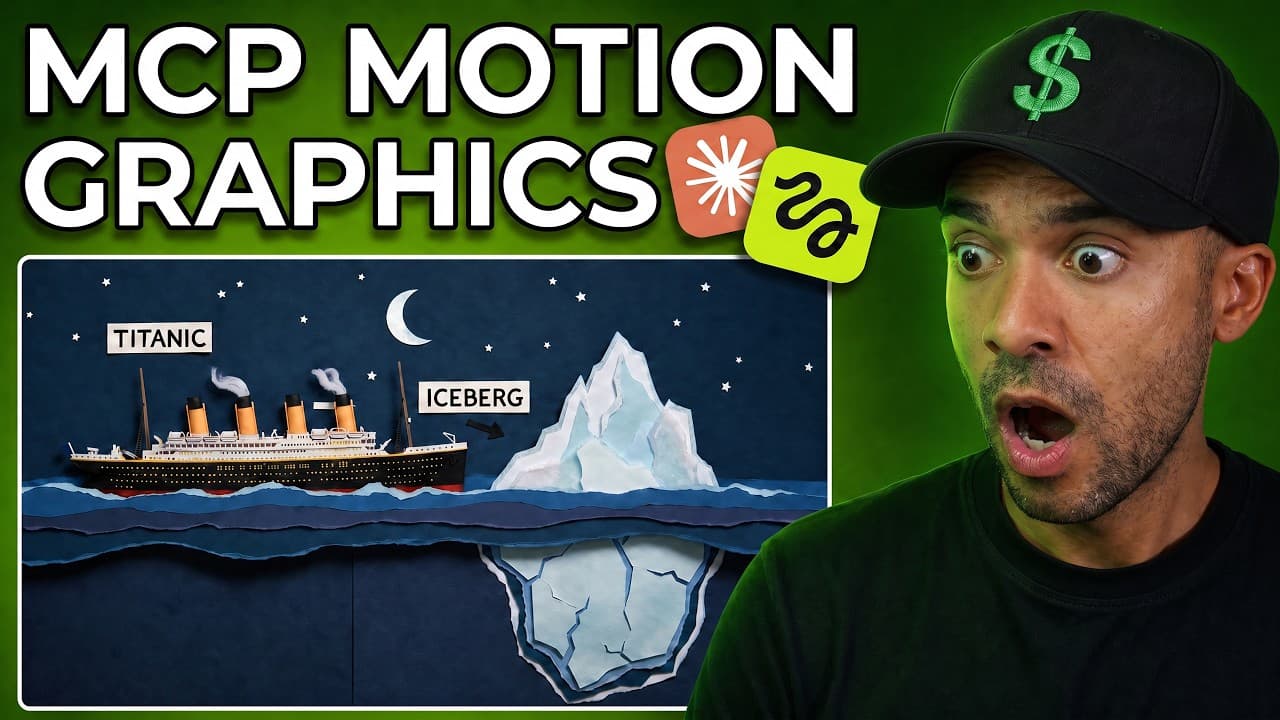
Learn how to set up the Higgsfield MCP connector in Claude to automatically generate motion graphics in the style of Vox or Johnny Harris—completely without manual editing skills.
How I'd Use Claude AI Plugins for YouTube to Hit $100K (Tested) Last updated: July 2026 Author: Greg Preece — I test AI video tools hands-on and show creators h...
Stop spending hours on rough cuts, subtitles, and B-roll. Here is how I used the top 4 video-focused Model Context Protocol (MCP) tools inside Claude to completely automate my post-production pipeline.
Learn what Higgsfield MCP is, how Model Context Protocol connects Higgsfield's AI video engine inside Claude, and how to set up the integration in minutes.
I tested ElevenLabs Dubbing v2 to see how well it translates video while preserving voice clones, timing, and emotion. Here is my step-by-step guide.
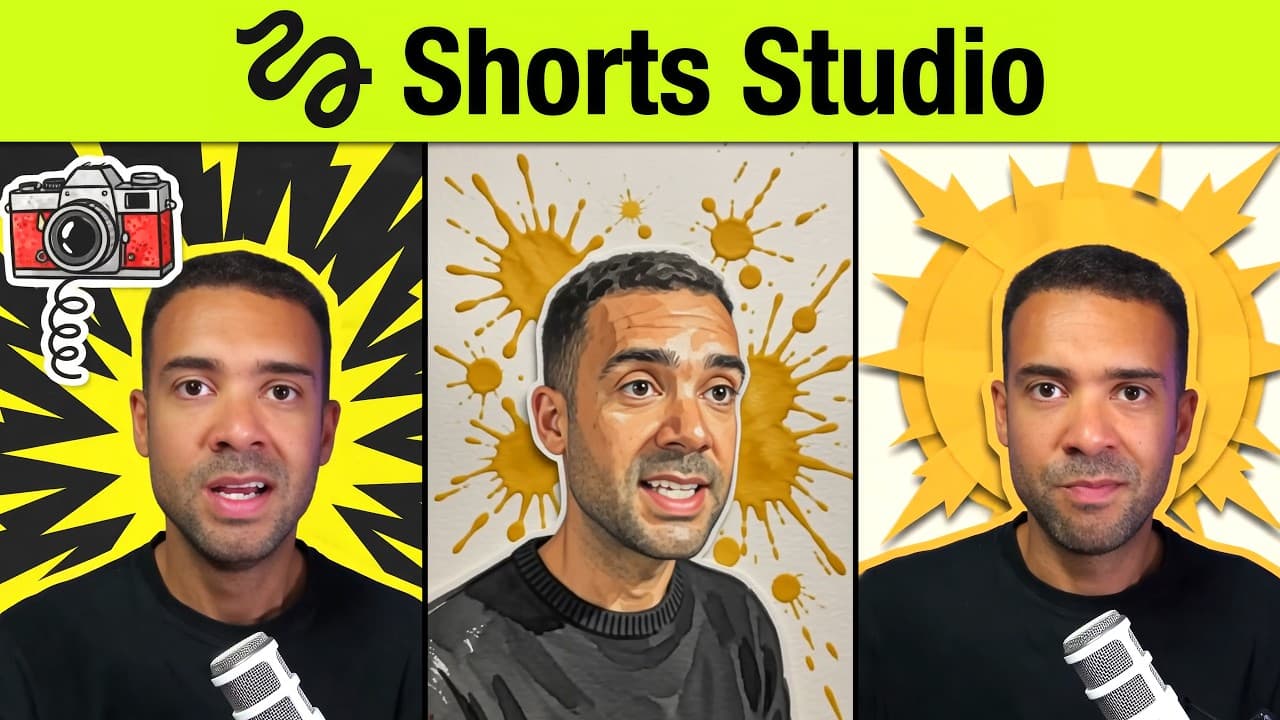
I put Higgsfield Shorts Studio to the test. While the AI-generated visual presets are spectacular, critical limitations in voice alignment and clip length mean you need a strategic approach to avoid wasting money.
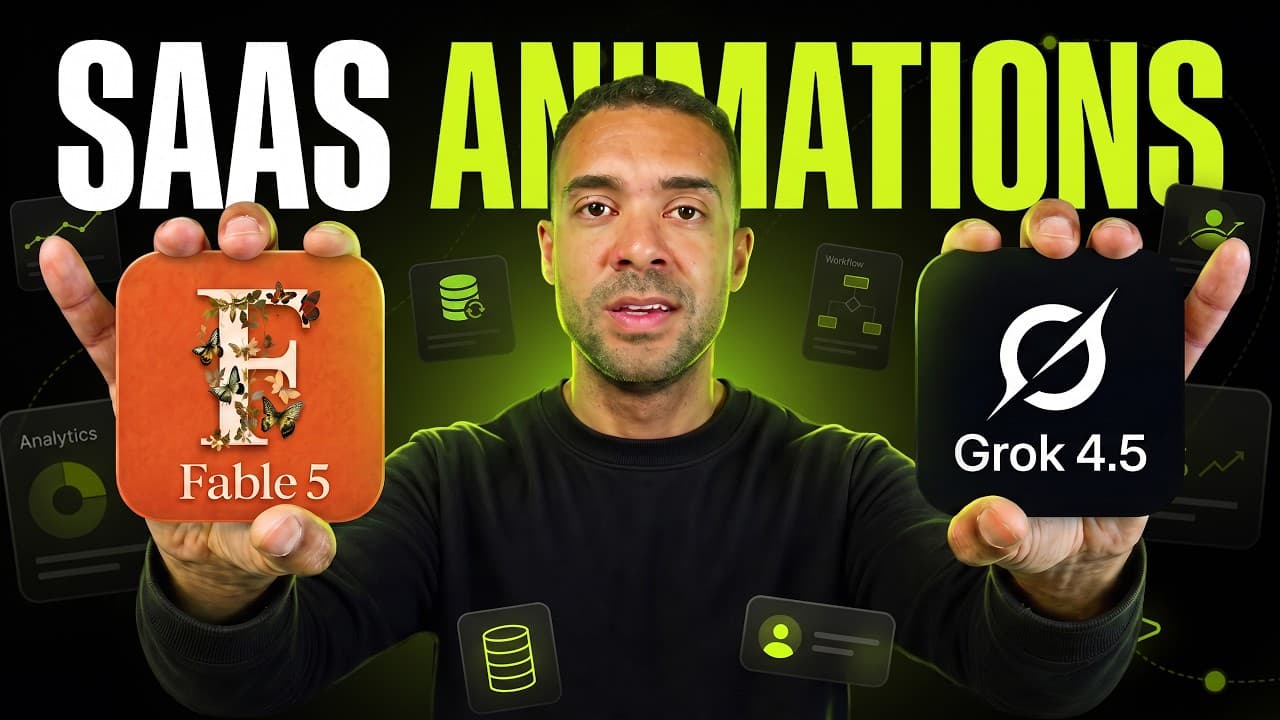
Can AI generate high-quality SaaS motion graphics? I put xAI's Grok 4.5 and Anthropic's Claude Fable 5 head-to-head inside Higgsfield AI's Supercomputer to compare motion quality, design aesthetics, and prompt adherence.
Discover how to use the fast Google Nano Banana 2 Lite model to bulk edit images inside Claude Co-work via the Higgsfield MCP connector.
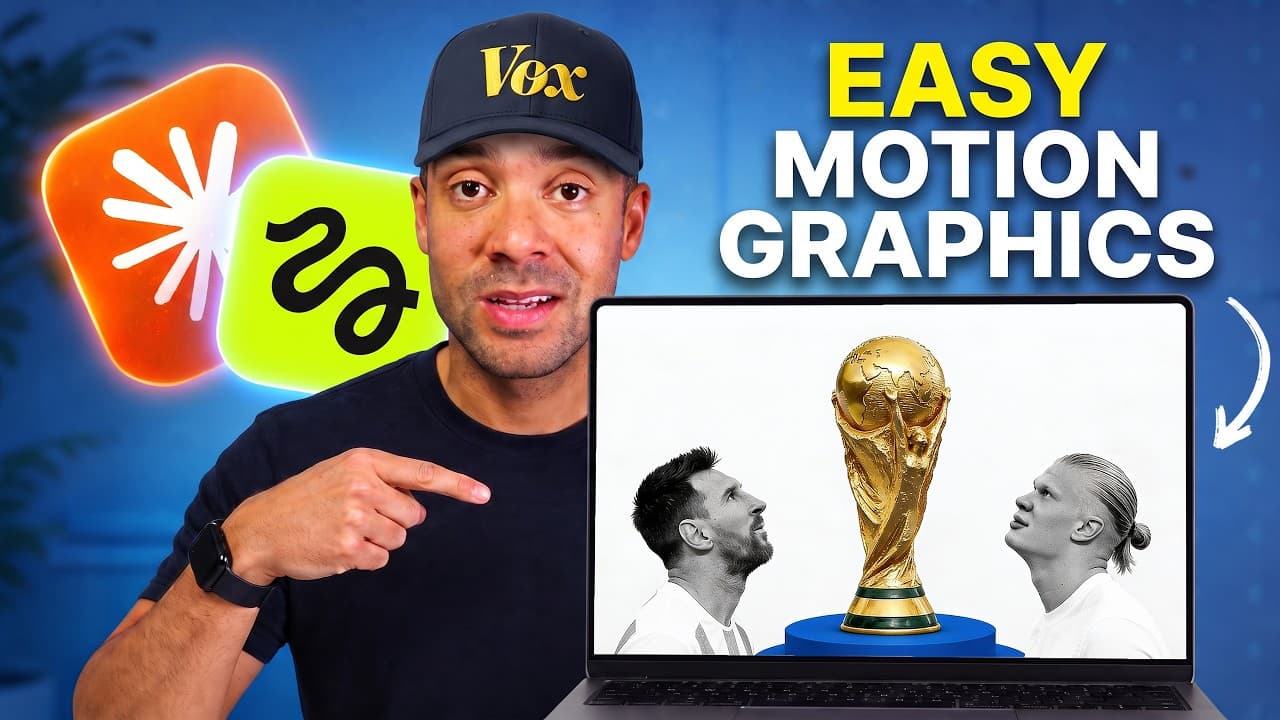
Learn the exact 7-part prompt workflow to automatically generate high-quality Vox style motion graphics using Higgsfield Supercomputer and Fable 5.
Learn how to use Opus Clip step-by-step to turn podcasts and long-form videos into viral vertical clips with the perfect platform settings.
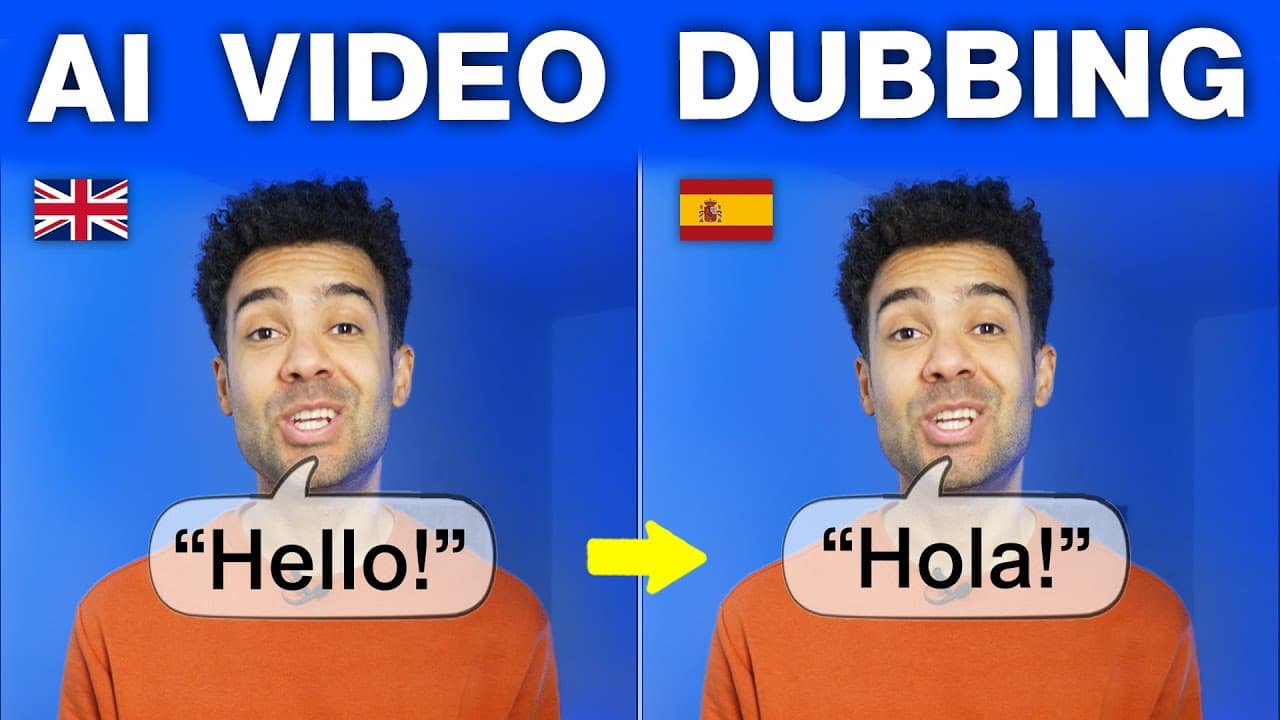
Looking for the best AI dubbing tool? Learn how to use HeyGen's Video Translate feature to clone your voice, sync your lips, and translate videos into dozens of languages.
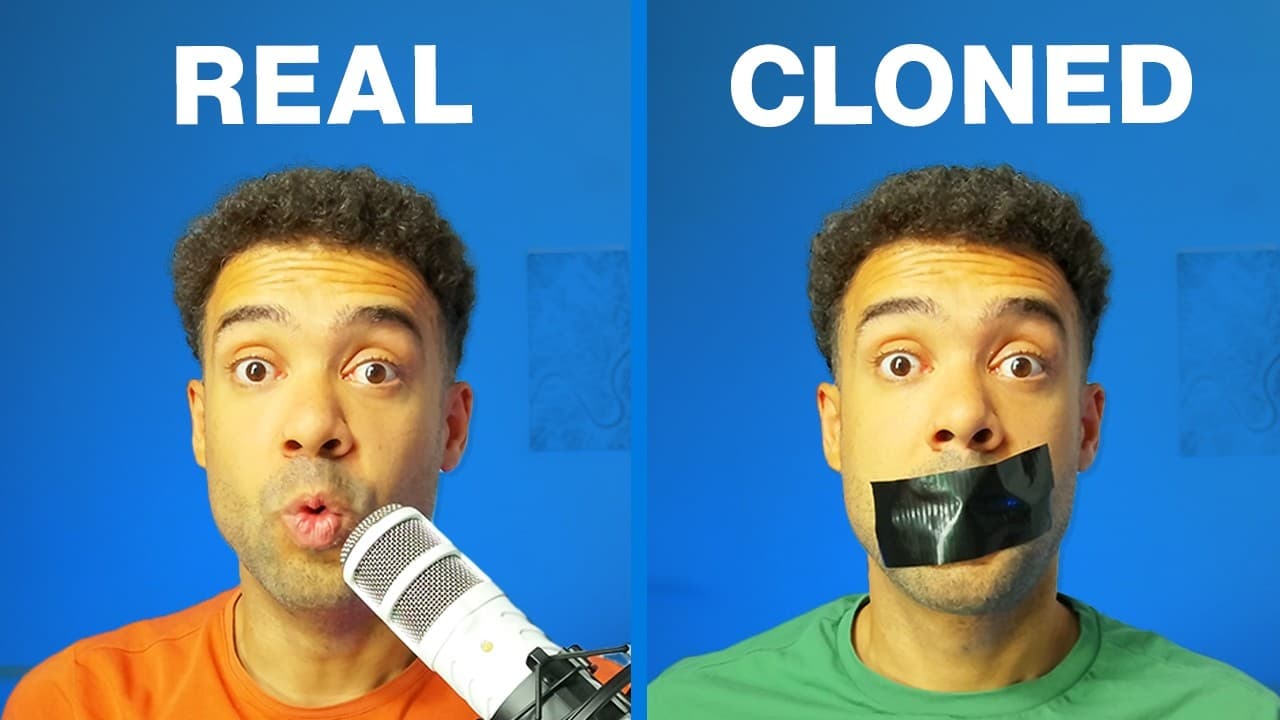
Learn how to clone your voice with AI for free in under 60 seconds. Follow our hands-on tutorial using Wondershare Filmora to clone, script, and auto-caption your video projects.
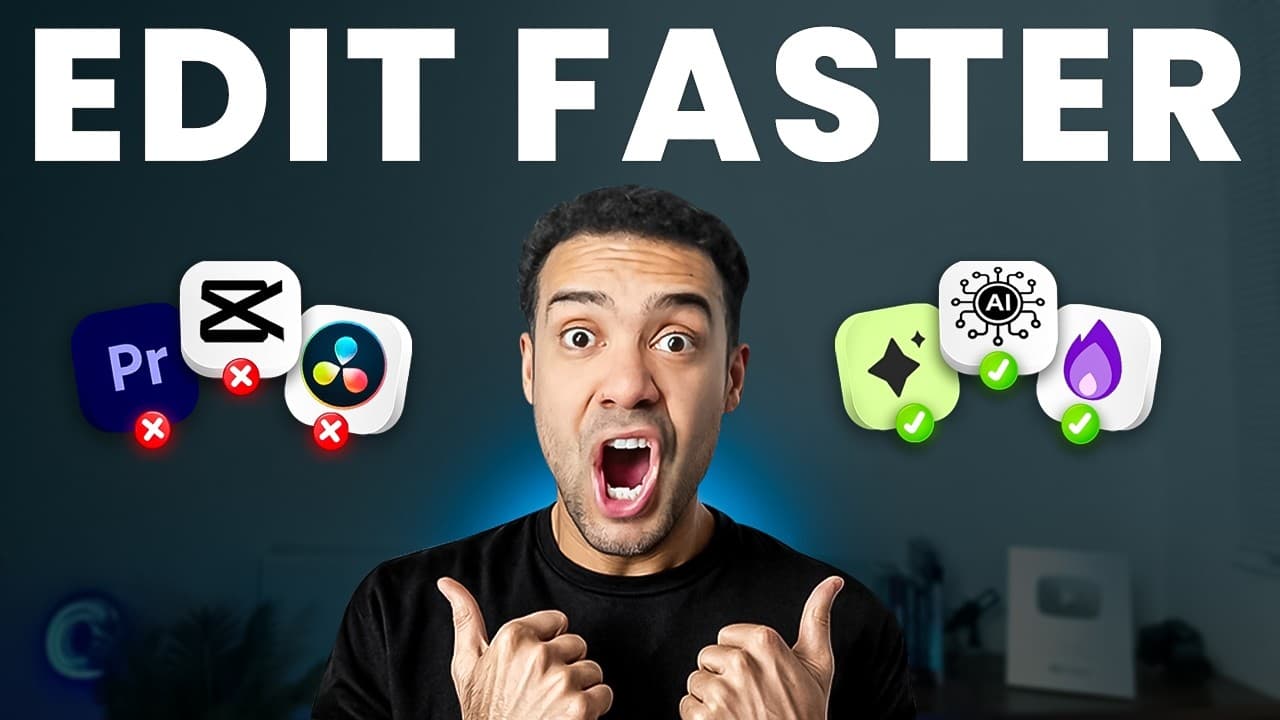
Editing manually takes too long. Here are the 4 best AI video editing apps I use to automate silences, fix mistakes, clone voices, and create viral clips fast.
I tested three industry-leading AI video editing apps (Filmora 14, HeyGen, Runway) to show you how they automate music, translations, and VFX.
I Tested This AI Thumbnail Generator to Recreate Viral Layouts in 60 Seconds Last updated: July 2026 Author: Greg Preece — I spent seven years mastering advance...
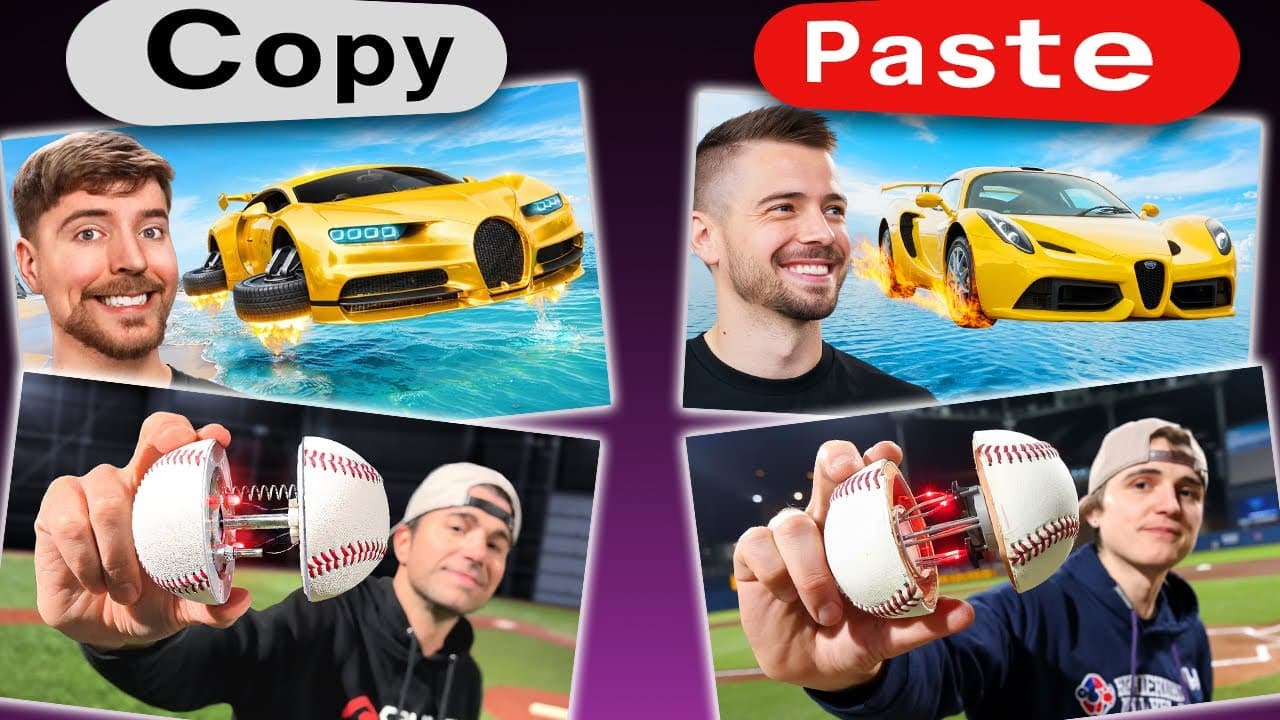
Big YouTubers spend thousands of dollars on video packaging. In this hands-on tutorial, I test a dedicated AI thumbnail maker that clones viral designs and swaps your face in seconds.
Opus Clip AI Tutorial: How I Batch 1,000 Monetizable YouTube Shorts Last updated: July 2026 Author: Greg Preece — I test AI video tools hands-on to help creator...
I put Opus Clip and CapCut head-to-head using the same interview footage. Here's how they compare on processing speed, AI B-roll, styling consistency, and usable output.
Learn the 4 advanced ElevenLabs voice tips to add natural pauses, prompt deep emotions, adjust stability sliders, and dub your videos into multiple languages.
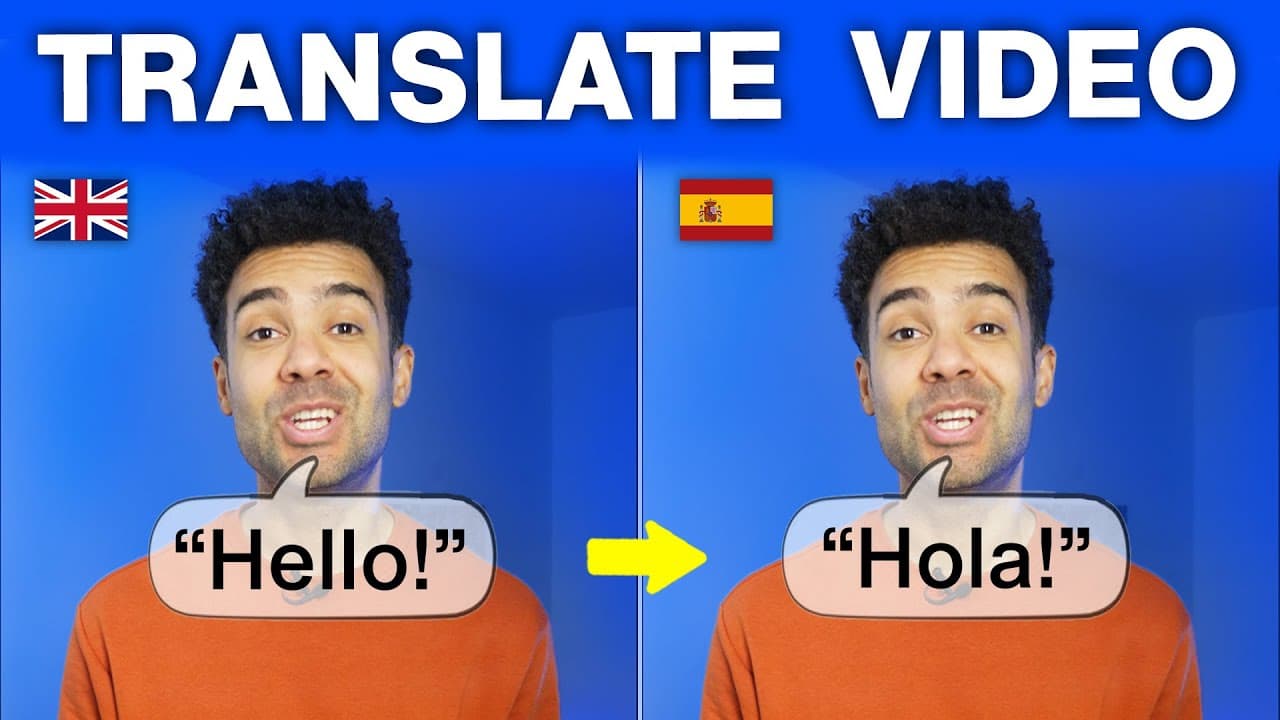
Learn how to translate your videos, clone your voice, and sync your lips in Portuguese, Spanish, Hindi, Mandarin, and Italian with this hands-on HeyGen tutorial.
I put Opus Clip and Vidyo.ai (Quso.ai) head-to-head using the same 38-minute test video. Discover which AI clipper produces more usable, perfectly framed shorts.
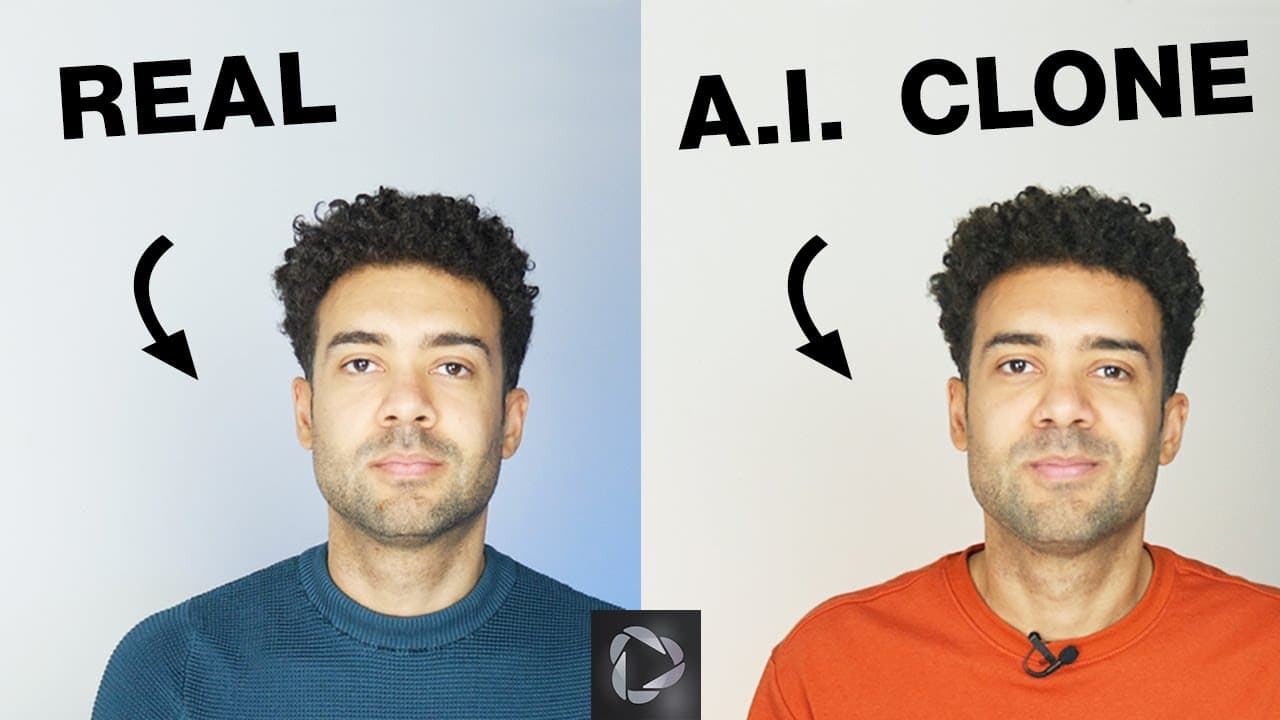
Learn how to clone yourself with HeyGen in under 5 minutes. Avoid common setup errors and use my simple step-by-step workflow to build an accurate AI twin.
Can AI save your short-form video workflow? I tested Opus Clip and Klap head-to-head with a 44-minute video. Here is the clear winner on UI, features, and clip yield.
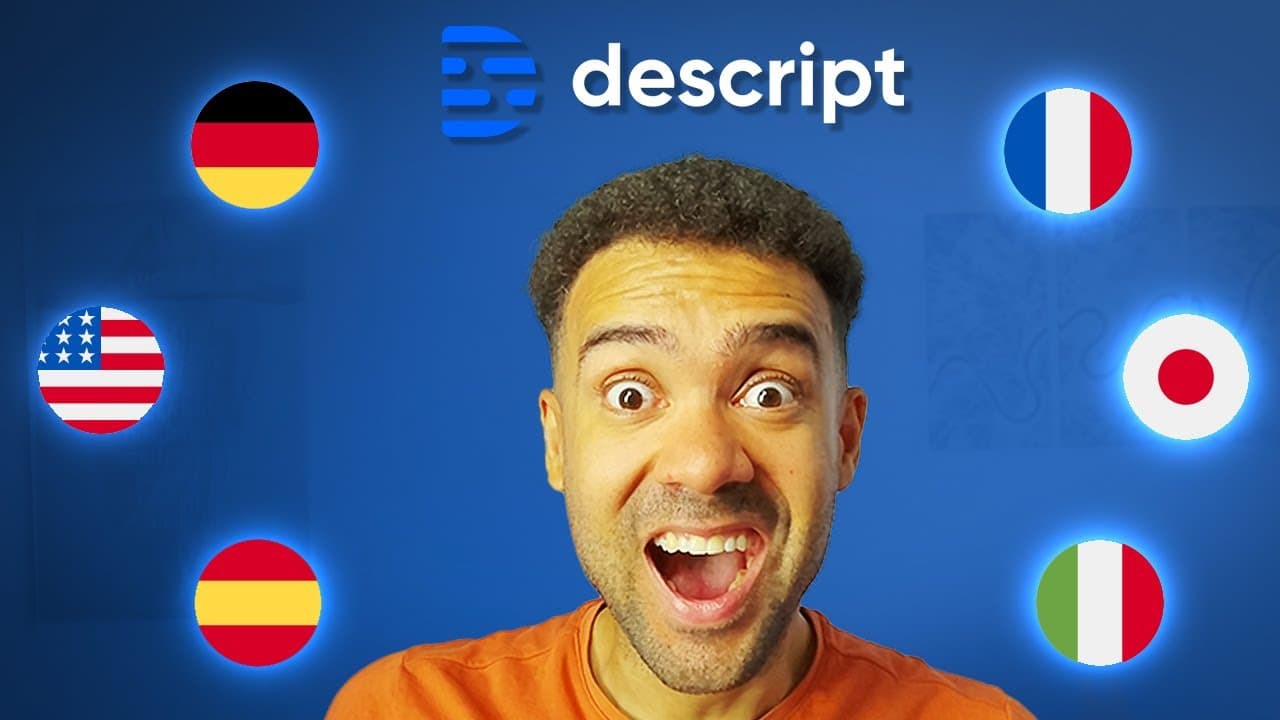
Want to translate your videos and preserve your own voice? Learn how to automatically translate captions, use stock AI dubbing, and set up a custom voice clone in Descript.
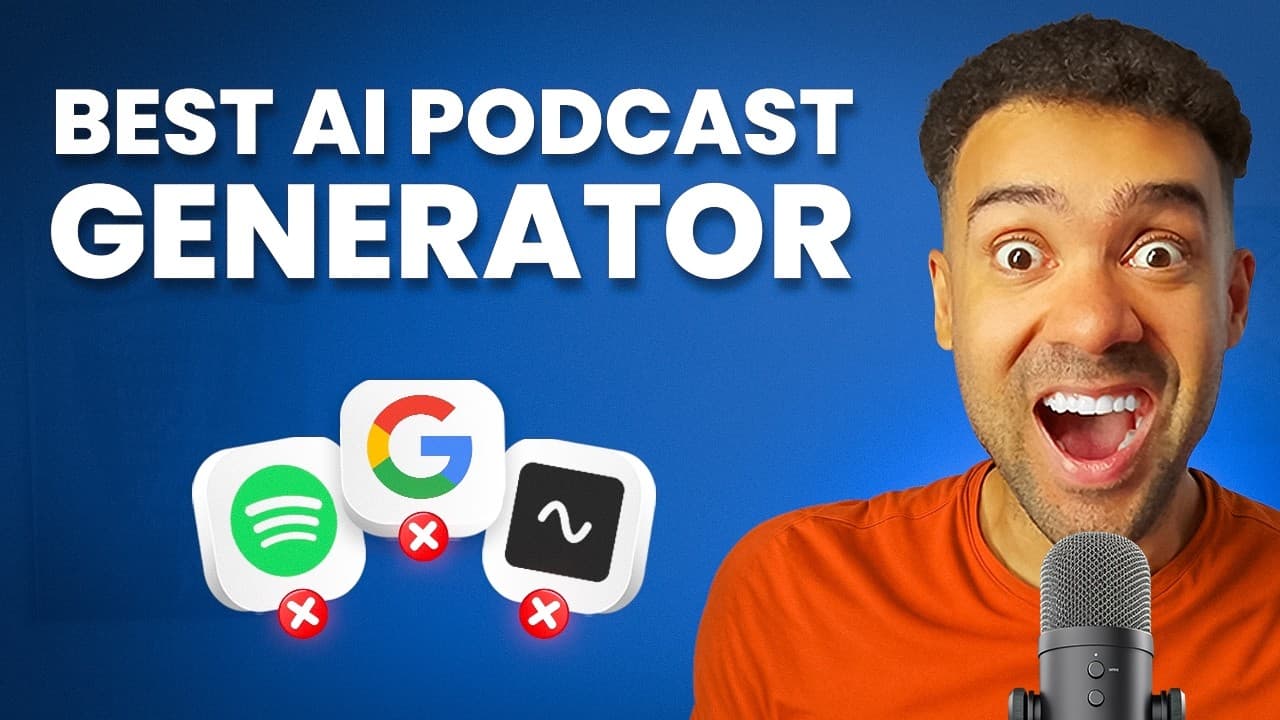
Learn how to use ElevenLabs GenFM to auto-generate engaging podcasts from articles or files using your own cloned voice. Read our step-by-step tutorial and review.
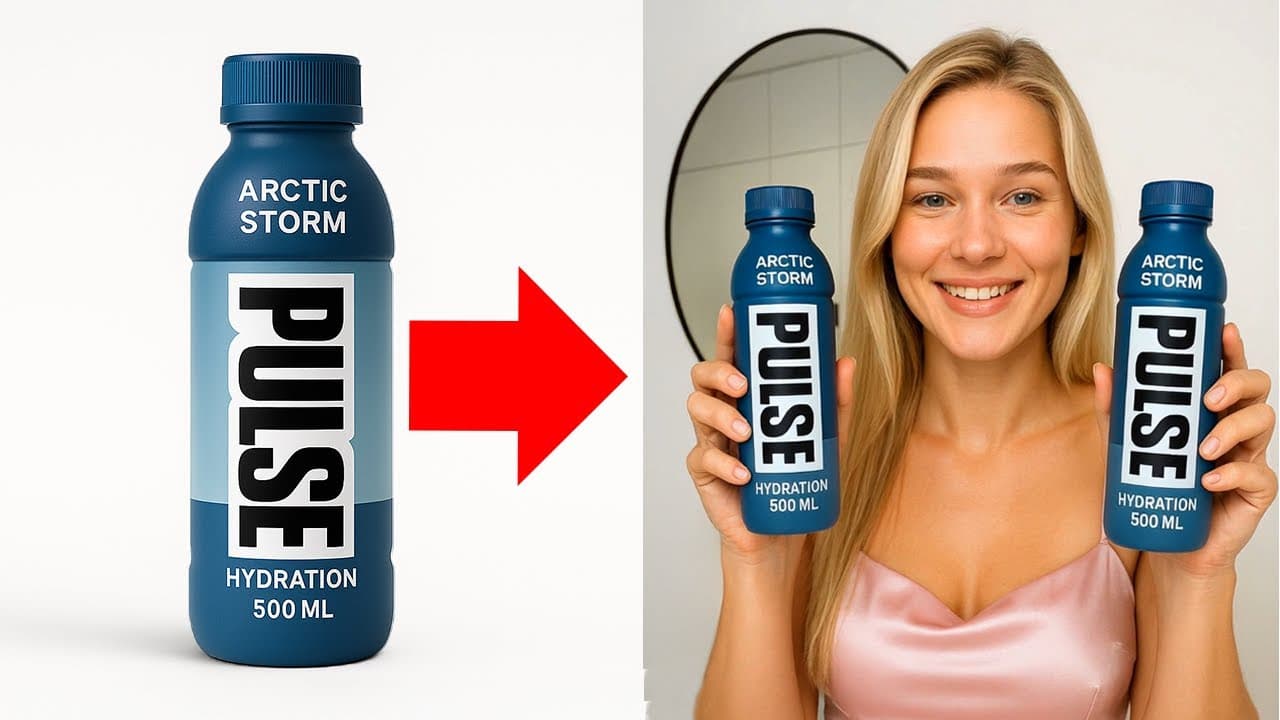
Want to generate highly realistic UGC ads where AI actors hold and demonstrate your actual physical products? Here is my complete 3-step workflow.
Learn how to scale your YouTube channel globally using automated dubbing. Read my step-by-step tutorial on translating videos into 75+ languages and cloning your voice with Translate.Video.
Looking to replicate your voice with AI? I put ElevenLabs and Speechify through six intense vocal challenges to find the most realistic voice cloning tool.
Which AI voice cloner actually sounds like you? I put HeyGen vs ElevenLabs voice cloning to 6 rigorous speech, pacing, and emotional tests. Here is the honest verdict.
I put ElevenLabs and Descript voice cloning side-by-side through six diverse speech challenges. Discover which platform generated the most human-sounding voice clone.
Tired of Google NotebookLM's repetitive voices? Check out my step-by-step guide on how to use ElevenLabs GenFM to generate editable AI podcasts using your own professional voice clone.
I tested the best AI video editing apps of the year. Here are the 6 tools you need to automate rough cuts, clean up messy audio, and generate viral shorts.
Mismatched lip movements can ruin a translated video. Here is a step-by-step guide on how I use HeyGen to translate video with perfect voice cloning and lip sync.
Tired of wasting hours manually cutting out repetitive takes and silent spaces? Here is how I use Gling AI, an AI video editor that integrates directly into Premiere Pro and FCP, to automate the rough cut process.
Want to create professional podcasts with AI? I tested the top AI podcast generators on the market. Learn their limits and the ultimate hybrid workflow to customize your audio.
Tired of robotic ChatGPT drafts? Learn how to write high-retention, viral-optimized YouTube scripts in 30 minutes using the dedicated AI scriptwriter, Subscribr.
Learn why CapCut's long-to-shorts tool struggles and how OpusClip excels as the ultimate AI shorts maker through four game-changing features.
Learn how to write high-retention video scripts in seconds using Poppy AI's visual workspace and the proven S.I.G scripting method.
Best AI Video Editor: How I Use Gling to Cut Hours of YouTube Editing Last updated: July 2026 Author: Greg Preece — I've created and edited over 600 videos for...
I Tested This All in One AI Video Generator (Here's My Workflow) Last updated: July 2026 Author: Greg Preece — I test AI video generation tools hands-on and sho...
Want to boost your YouTube CTR without complex design tools? In this Pikzels AI tutorial, learn how to build a custom face model and recreate high-performing thumbnails in seconds.
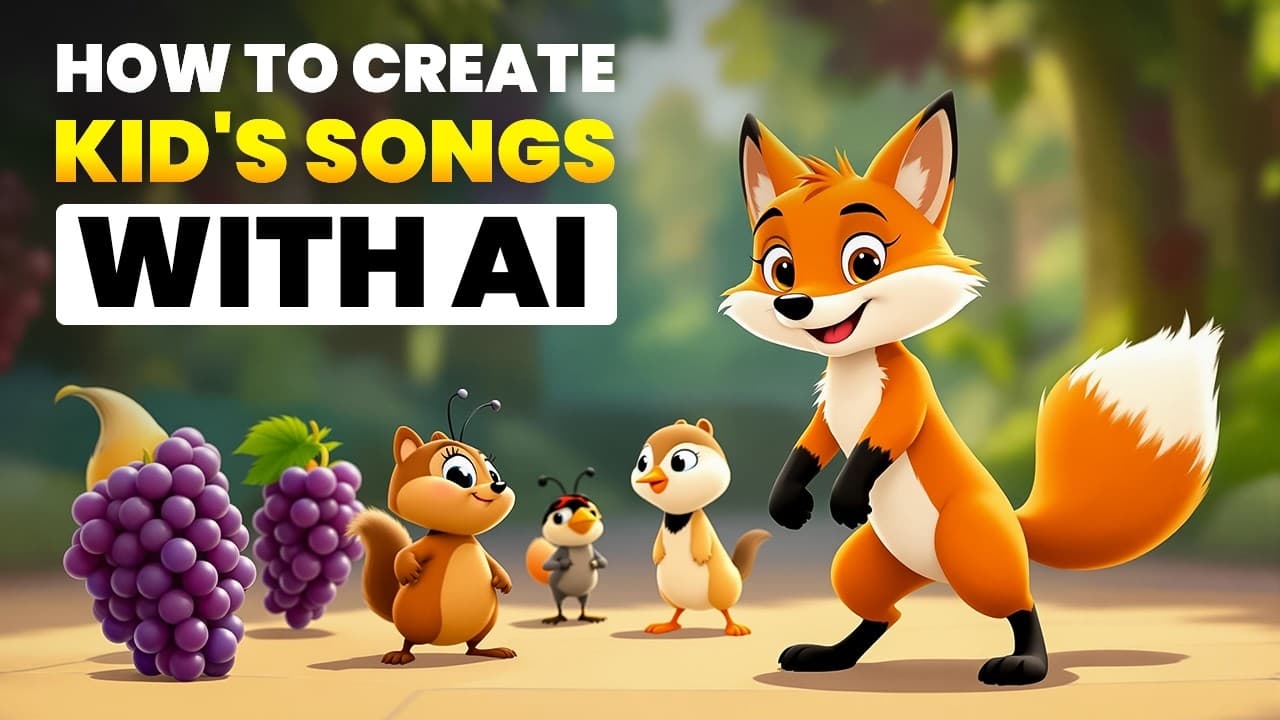
Learn how to generate high-quality, completely royalty-free kids' songs with AI vocals in under two minutes using Tempolor. Step-by-step tutorial inside.
Learn how to generate, edit, and perfect tracks with the ElevenLabs AI Music Generator. This hands-on guide covers lyric editing, timeline pacing, and instrument swapping.
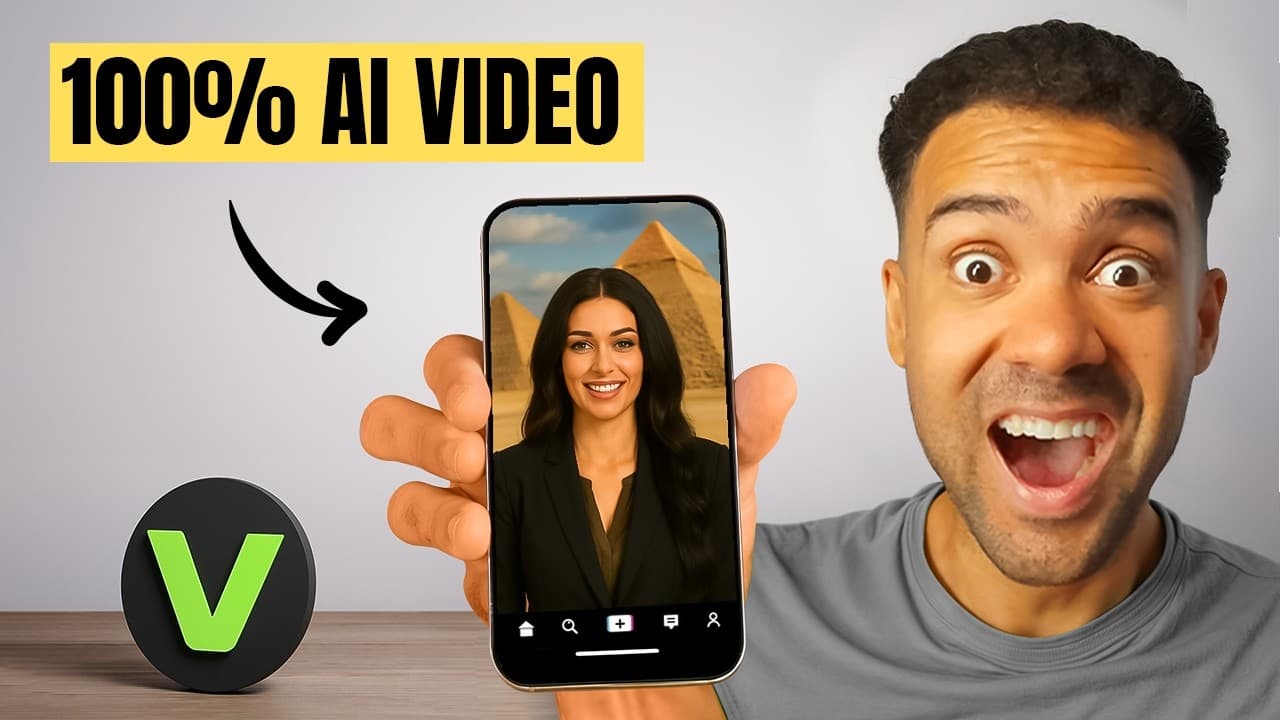
Juggling multiple tools for scripting, avatars, b-roll, and editing? This step-by-step VEED.io tutorial shows you how to build complete, localized AI Shorts in under 5 minutes.
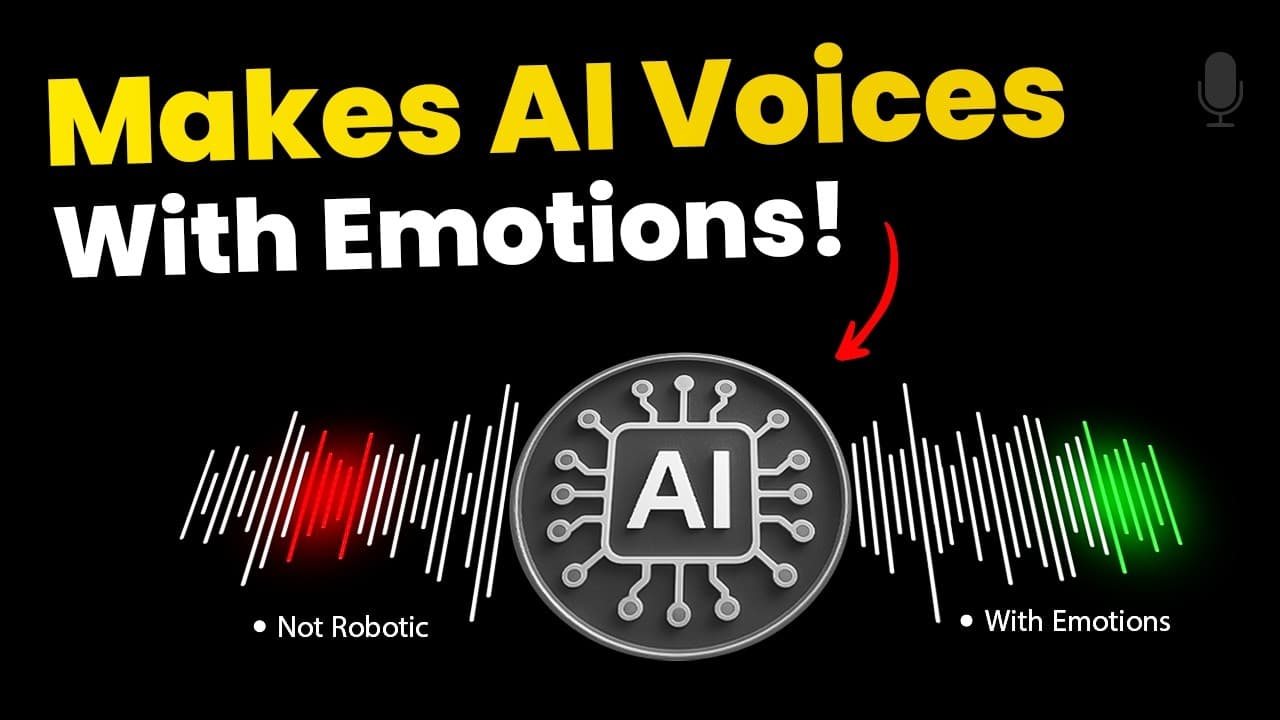
I tested Hume Octave, a new voice-based large language model that automatically adds natural emotions to your scripts. Here is my hands-on review and setup guide.
Learn how to use automatic video editing AI to turn raw talking-head footage into a polished edit in seconds, using Descript's powerful Underlord AI assistant.
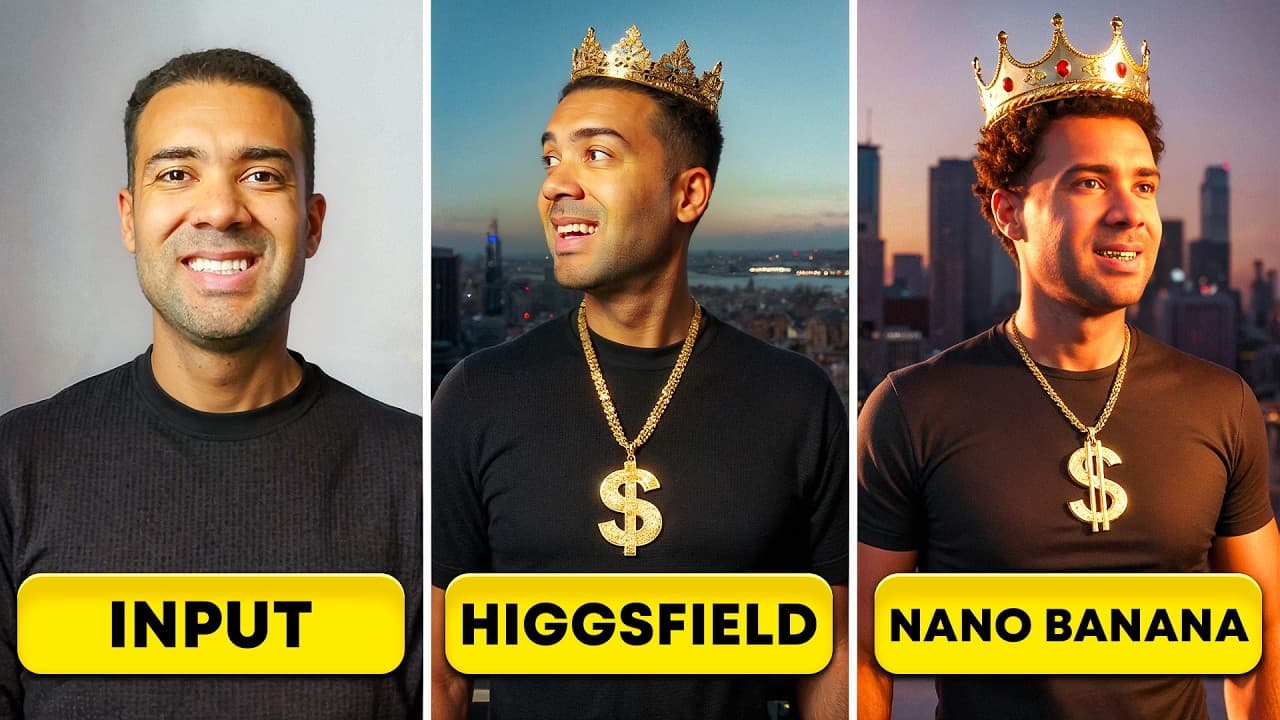
I put Higgsfield AI's Soul ID against Google's Nano Banana in 6 hands-on tests. Discover which tool reigns supreme for consistent character creation.

Learn how to make a cinematic AI film from scratch. This complete SIVS method workflow covers ChatGPT scripting, image generation, video animation, and audio design in one tool.
Learn how to build a hyper-realistic AI voice clone. This tutorial covers setting up a 10-second instant clone, dialing in advanced settings, and training a studio-grade Professional Voice Clone in ElevenLabs.
Skip the tedious post-production steps. Discover 10 ways to edit, enhance, and repurpose your videos inside Descript by simply typing prompts to its AI assistant.
How I Create a Lip Sync Video from a Photo Using HeyGen Avatar IV Last updated: July 2026 Author: Greg Preece — I test AI video tools hands-on to help creators...
Struggling to write hooks that keep viewers watching? Learn how to build a visual AI workspace using Poppy AI to generate psychology-driven hooks and scale your content system.
Automating video creation is highly powerful, but tricky to set up. Here is a step-by-step guide to building a functional n8n video generator using fal.ai, and how to solve the common JSON and async wait loop bugs that crash standard setups.
Tired of robotic AI voices? Learn how to use ElevenLabs V3 to generate ultra-realistic voiceovers. Master inline emotional audio tags, multi-speaker dialogue, and direct background sound effects step-by-step.
AI Video Editing Hacks: How I Cut My Editing Time by 90% Last updated: July 2026 Author: Greg Preece — I test AI video tools hands-on to help creators streamlin...
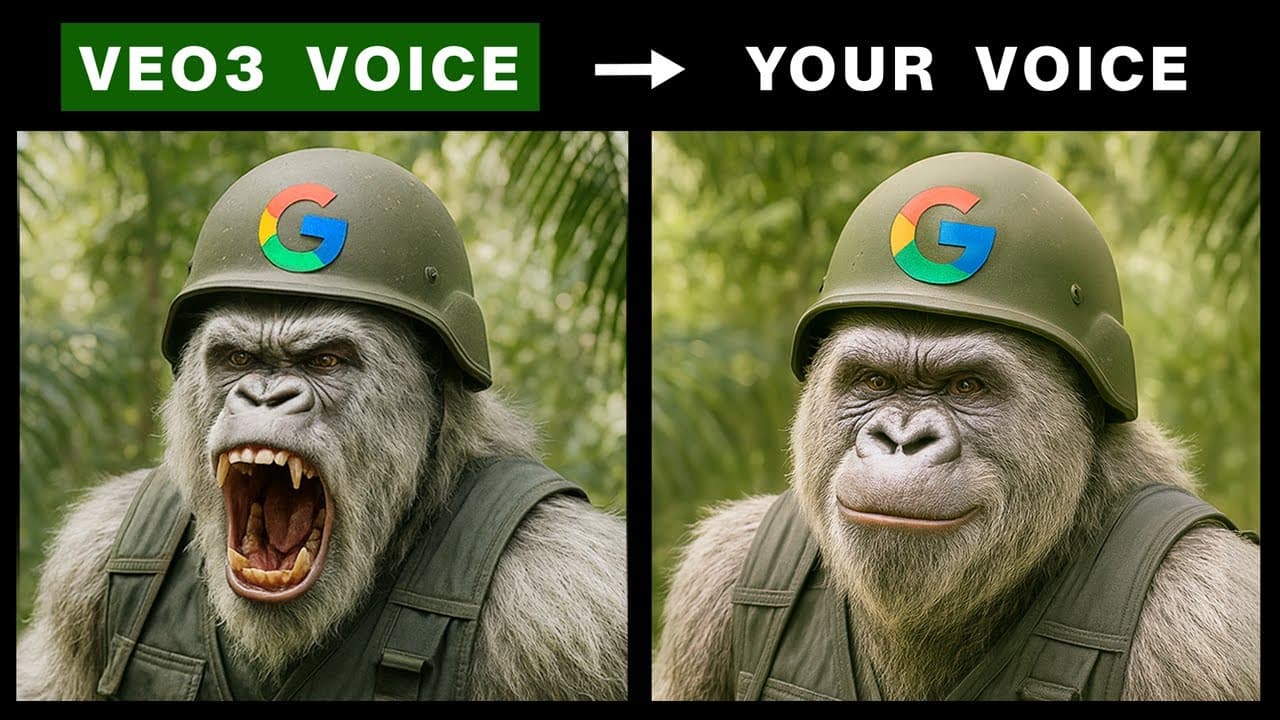
Learn how to replace repetitive default Google Veo 3 voices with highly realistic custom options or your own cloned voice using ElevenLabs and CapCut.
What is ElevenLabs and how does it work? Discover how to use Text to Speech, the Voice Changer, and Dubbing tools to generate realistic AI voices in this step-by-step guide.
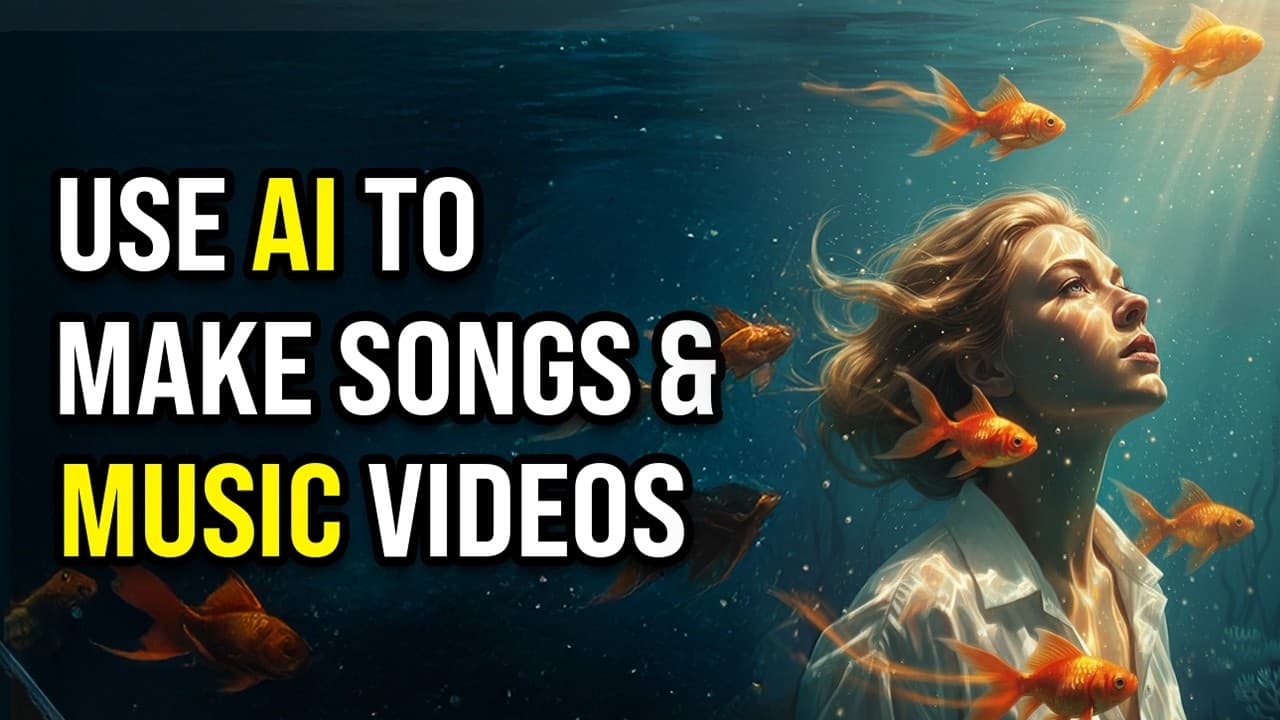
Want to create stunning music videos without technical skills? Here is a step-by-step guide to generating and editing your own AI music video in under five minutes using AIVideo.
Learn the exact workflow to generate hyper-realistic AI influencers holding your product, animate them with custom scripts, and swap character demographics instantly for high-converting social media ads.
Synthesia 3.0 introduces expressive full-body avatars, real-time Video Agents, and single-photo clones. Here is a complete breakdown of the keynote updates and how creators can use them to scale.
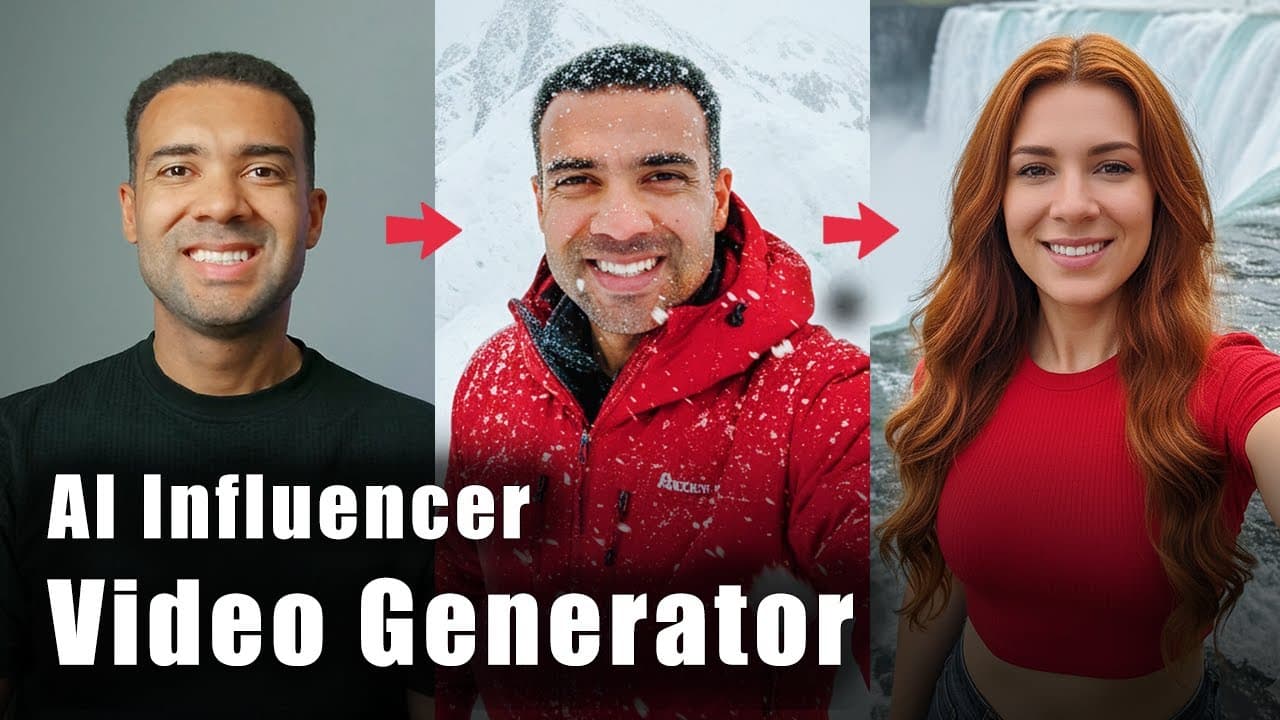
How I Use an AI Influencer Video Generator (Walking & Talking) Last updated: July 2026 Author: Greg Preece — I test AI video tools hands-on and show creators ho...
Stop wasting hours on manual research, editing, and thumbnail designs. Here is how I tested Google's latest AI tools—including Ask Studio, Nano Banana Pro, and Veo 3.1—to scale my YouTube workflow.
See how I use the best AI video editor for social media to automate podcast multicam cuts, fix mistakes, translate into 25+ languages, and save 95% of editing time.
Creating clean SaaS launch animations used to take hours in After Effects. In this hands-on tutorial, I'll show you how to generate sleek SaaS motion graphics in minutes inside Higgsfield's hidden Vibe Motion tool using copy-paste prompts.
I Tested Higgsfield Marketing Studio: Fast Video Ads From a Link Last updated: July 2026 Author: Greg Preece — I test emerging AI video tools hands-on to help s...
Learn how to connect the new Higgsfield MCP to Claude to generate professional AI images, multi-slide carousels, and cinematic video ads inside a single chat.
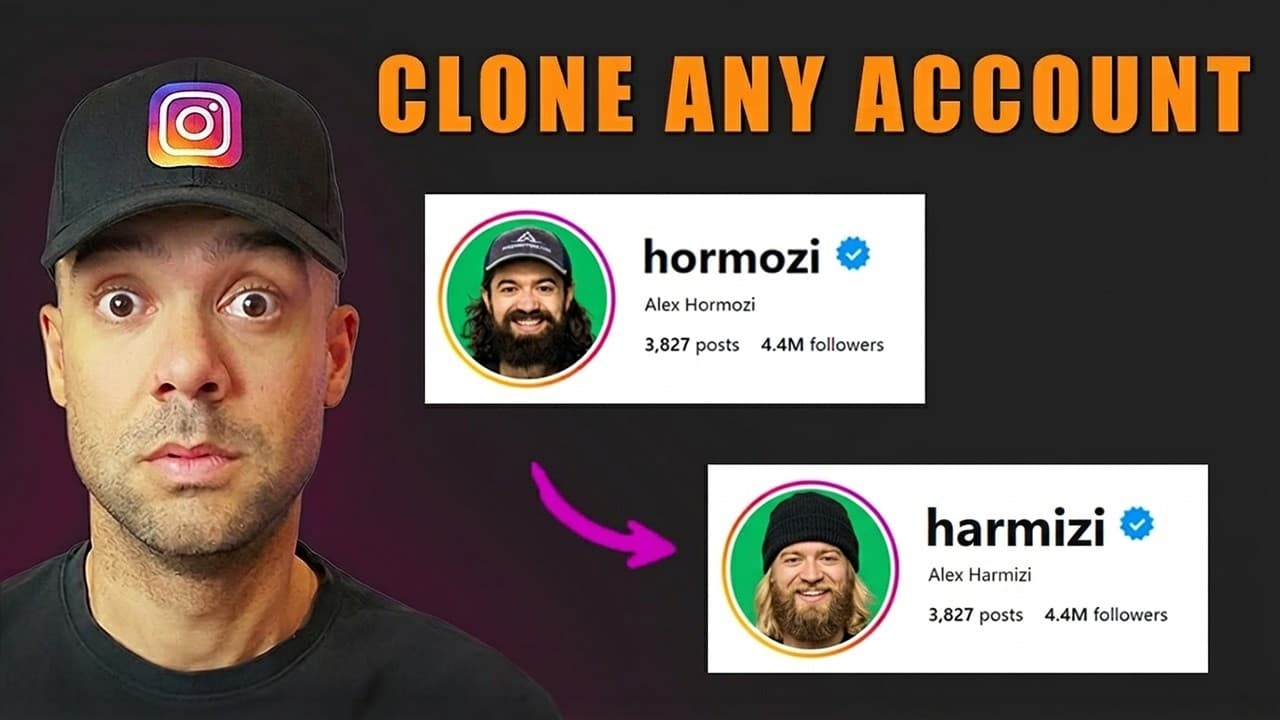
Learn how to reverse-engineer competitor Reels and clone successful Instagram accounts automatically using Poppy AI's visual workspace outlier analysis.
Discover how to link the Higgsfield MCP custom connector to Claude. Run Higgsfield Marketing Studio directly inside your chat to automate and generate high-converting video ads in seconds.
I tested Leonardo AI vs Higgsfield hands-on to find the best tool for brands. Discover how Higgsfield’s advanced Marketing Studio and Supercomputer outperform Leonardo’s Blueprints.
I tested Genspark and Higgsfield hands-on across manual image/video generation, copywriting, and social media workflows to see which AI tool is best for content automation.
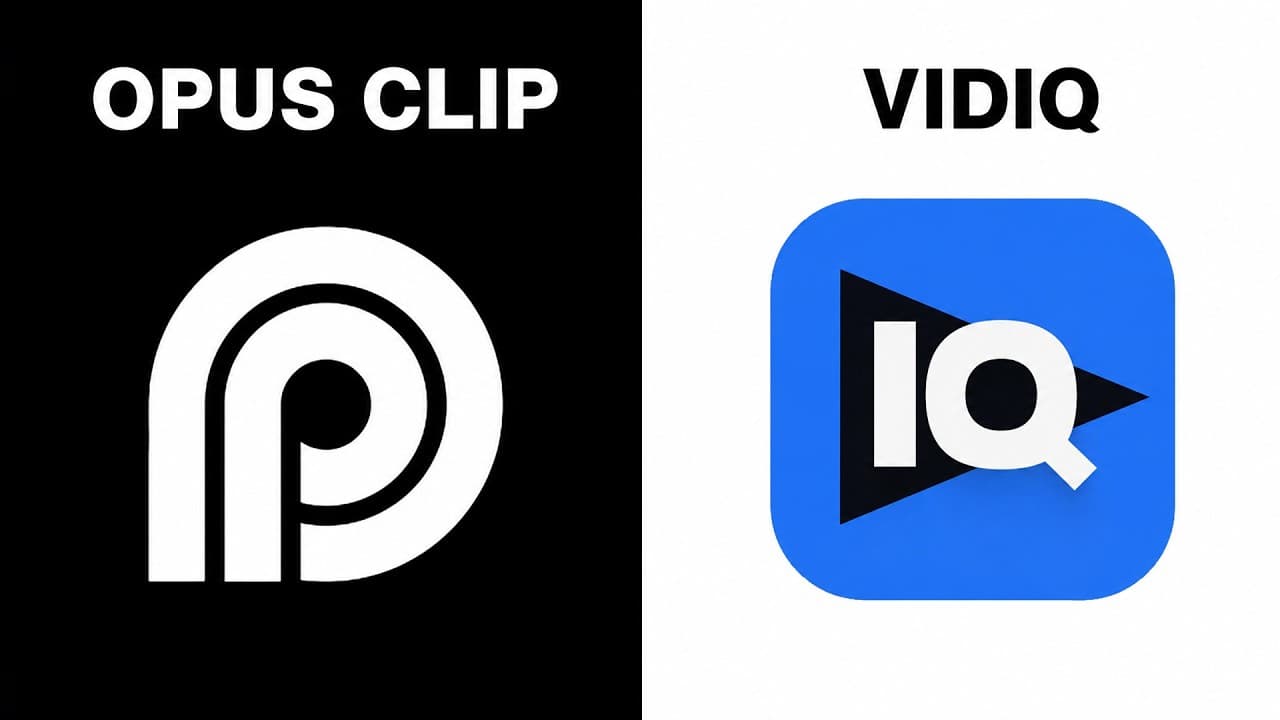
I tested vidIQ's new AI clipping feature against OpusClip on a real podcast. Here’s how they compare on speed, clip yield, editing tools, and pricing.
Learn 6 powerful video editing tricks using Anthropic's Claude and the Descript MCP integration to completely automate your rough cuts, audio enhancements, and B-roll generation.
Learn how to connect Descript, Higgsfield, and OpusClip to Claude using MCP to build a fully automated video editing pipeline.
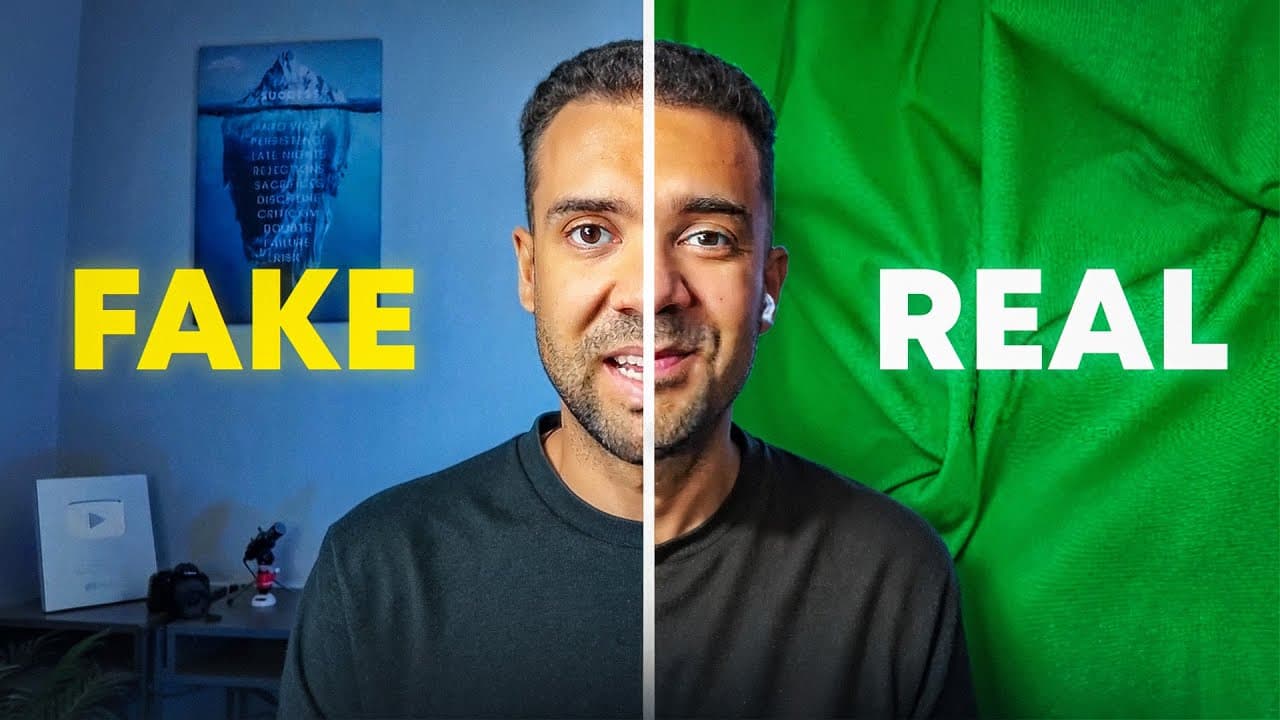
A practical, repeatable workflow to create a realistic lip-synced AI avatar from one photo in HeyGen — plus the two mistakes that cause “bad lip sync.”
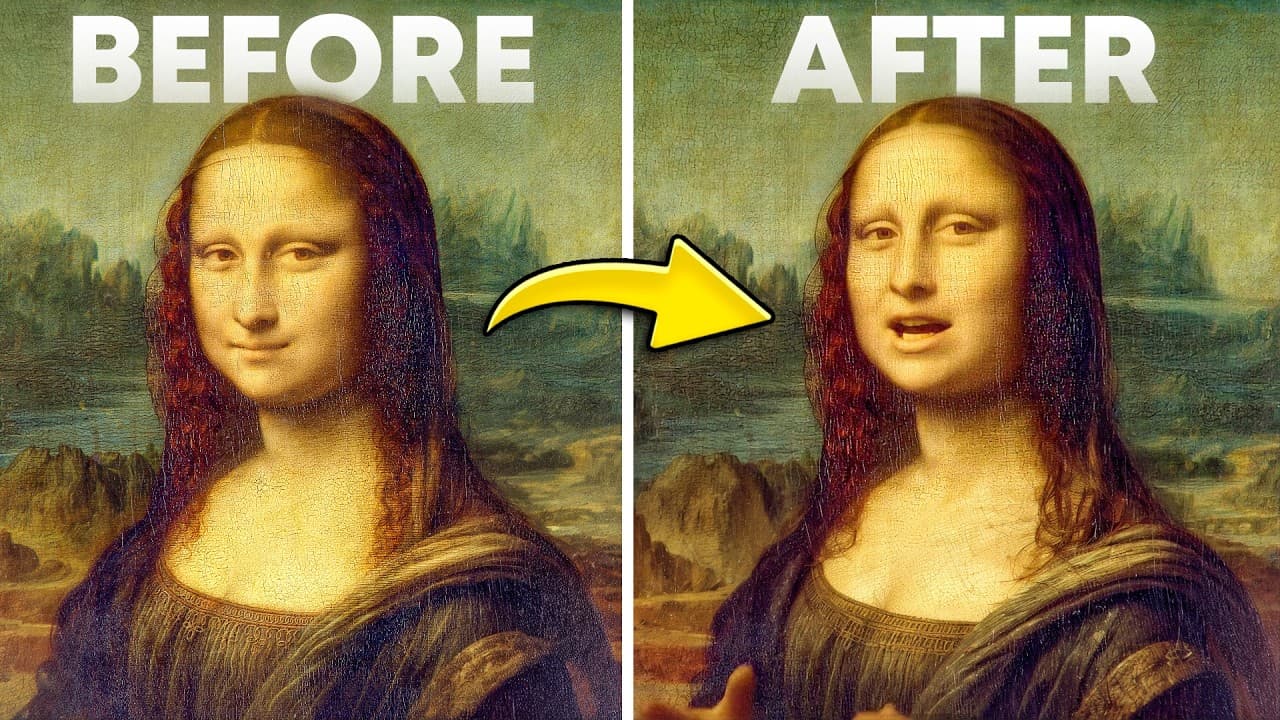
A practical, fast workflow for turning any photo into a talking, lip-synced video using HeyGen’s “Photo to Video with Avatar IV,” plus the key settings that add energy and motion.
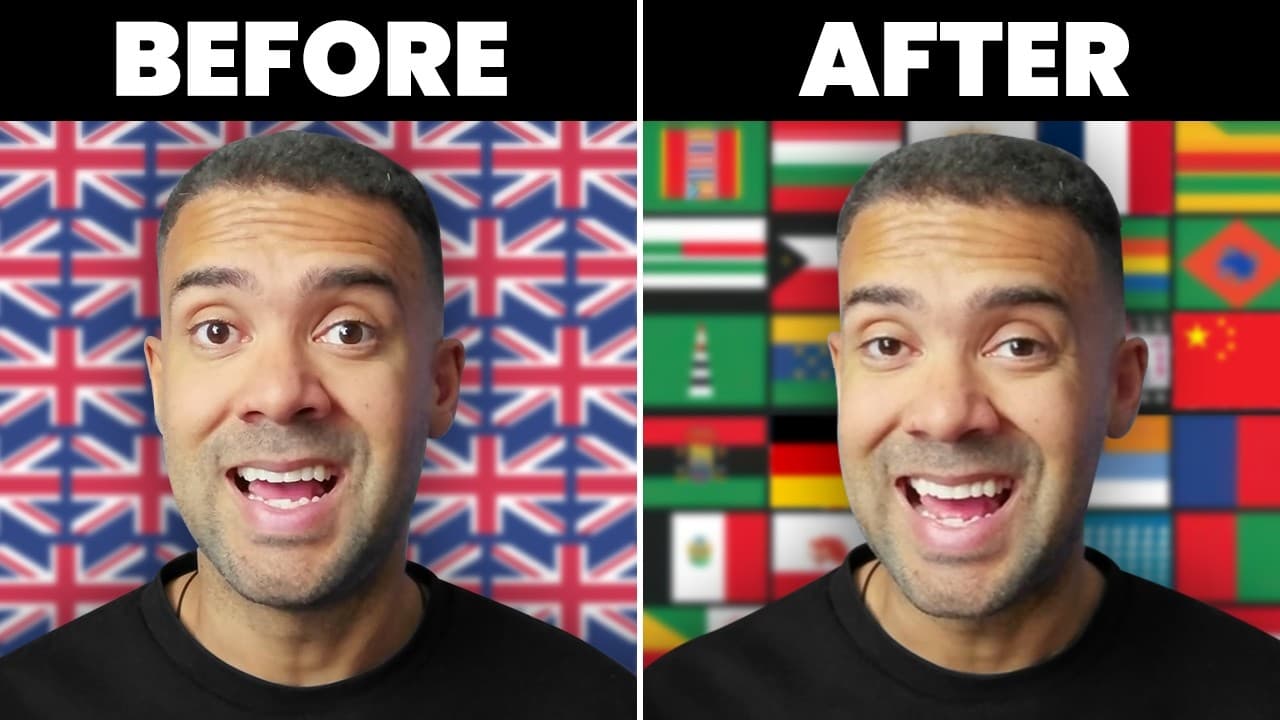
A practical HeyGen workflow for dubbing with AI lip sync—plus the Dynamic Duration setting that improves timing and realism.
Automate your e-commerce marketing. Learn how to map out and generate 30 days of Facebook ads and lead magnets using Claude Fable 5 inside Higgsfield AI.
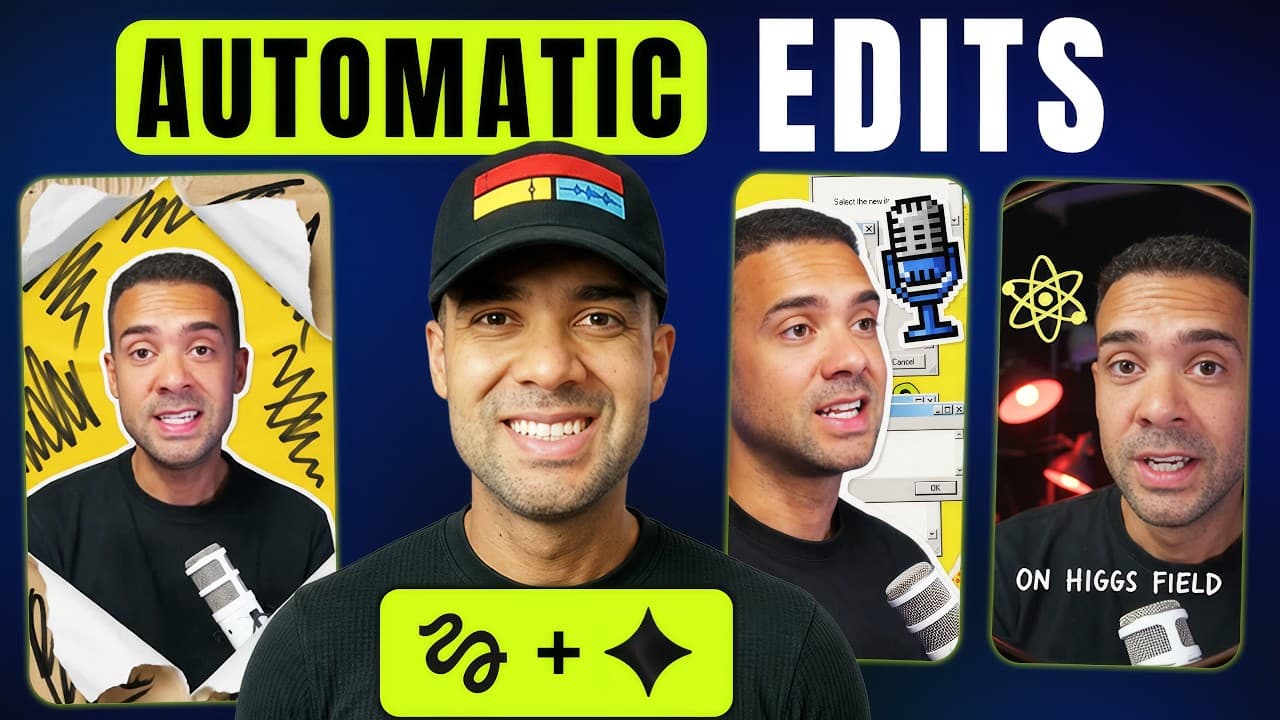
Higgsfield's new Shorts Studio, powered by Gemini Omni Flash, auto-edits podcast clips and Shorts in one click. Here's the exact workflow I tested, what it cost, and the limitations to know before you generate.
Claude can now generate fully narrated, animated videos up to 10 minutes long using Fable 5, Gemini Omni, and the Higgsfield connector. Here's the exact tested workflow, prompt structure, and the fixes for the two bugs I hit.
I tested Claude Cowork on two real videos to see whether it could find specific people and visual moments, then cut those moments into a usable sequence. Here’s where it looks powerful, where it still slips up, and who should care.
A practical, step-by-step guide to cloning your voice in ElevenLabs and generating voiceovers from text—plus the key quality tweak I used.
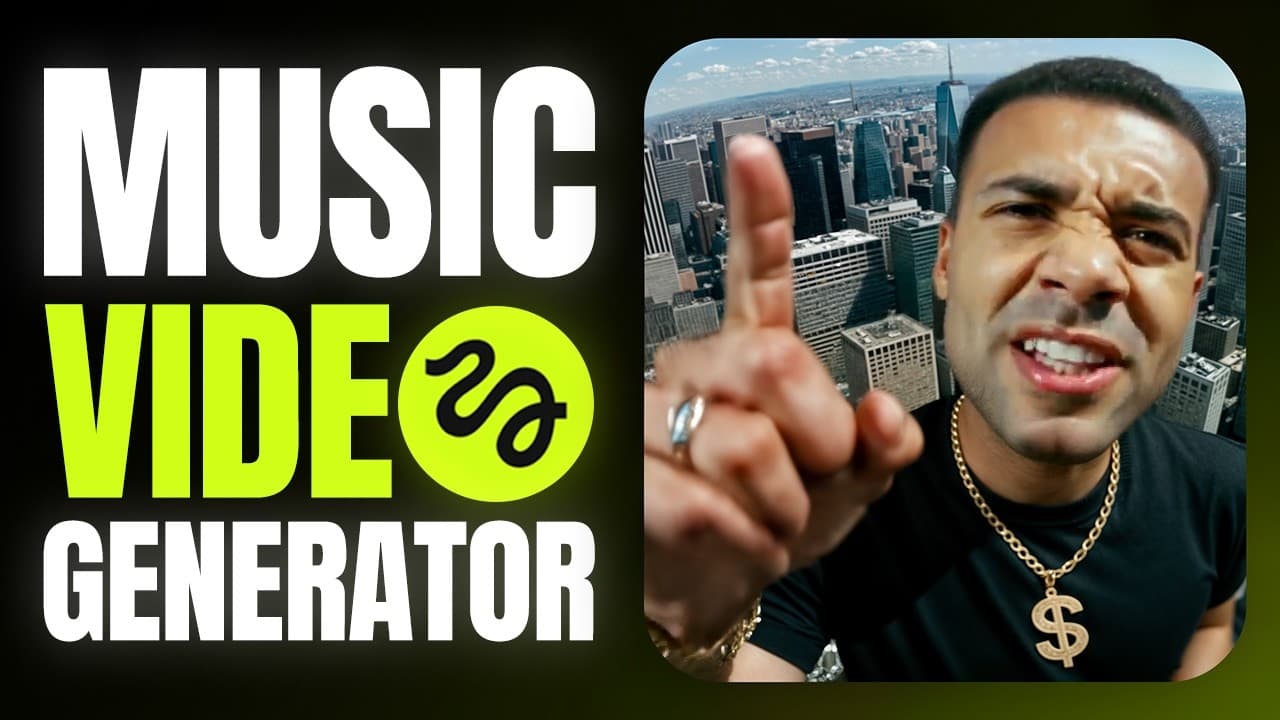
A step-by-step Higgsfield tutorial: create an AI clone from selfies, generate a strong location image, then use Speak + motion presets to produce a music-video style singing clip.
A hands-on Descript edit showing eight AI features that speed up real video editing—spoken mistake fixes, B-roll generation, audio enhancement, captions, and translation with lip sync.
Five AI video generators for 2026 that go beyond basic text-to-video: edit real footage with prompts, retake moments without reshoots, generate informational visuals, and fix spoken mistakes with regenerated mouth movement.
A hands-on guide to five Descript AI workflows—animated title screens, spoken mistake fixes, bulk edits, translation/dub speech, and auto-generated short clips.
Six AI tools I demoed that speed up editing in 2026—visual effects, transcript-based fixes, multi-cam organization, generators, music/SFX, and motion graphics.
Start Here: Complete Guides
In-depth hub guides that organise everything I've tested, topic by topic
AI Avatars, Dubbing & Video Translation: The Complete Guide (2026)
Complete guide
AI Motion Graphics & Video Generation: The Complete Guide (2026)
Complete guide
AI Tools for YouTube Shorts: The Complete Guide (2026)
Complete guide
AI Video Editing Tools: The Complete Guide (2026)
Complete guide
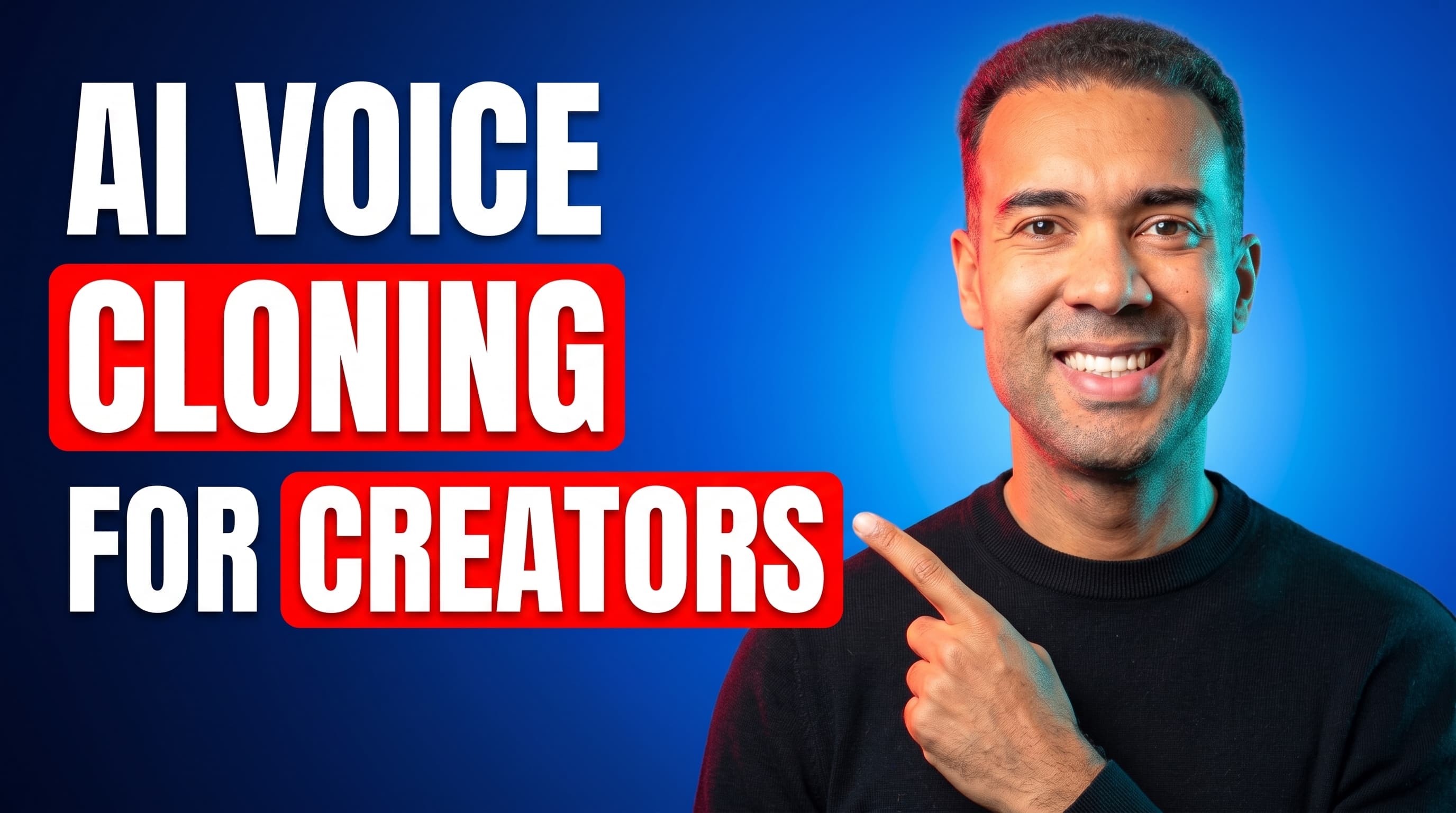
AI Voice Cloning for Creators: The Complete Guide (2026)
Complete guide