How I'd Use Claude AI Plugins for YouTube to Hit $100K (Tested)
Last updated: July 2026
Author: Greg Preece — I test AI video tools hands-on and show creators how to automate their workflows for maximum channel growth.
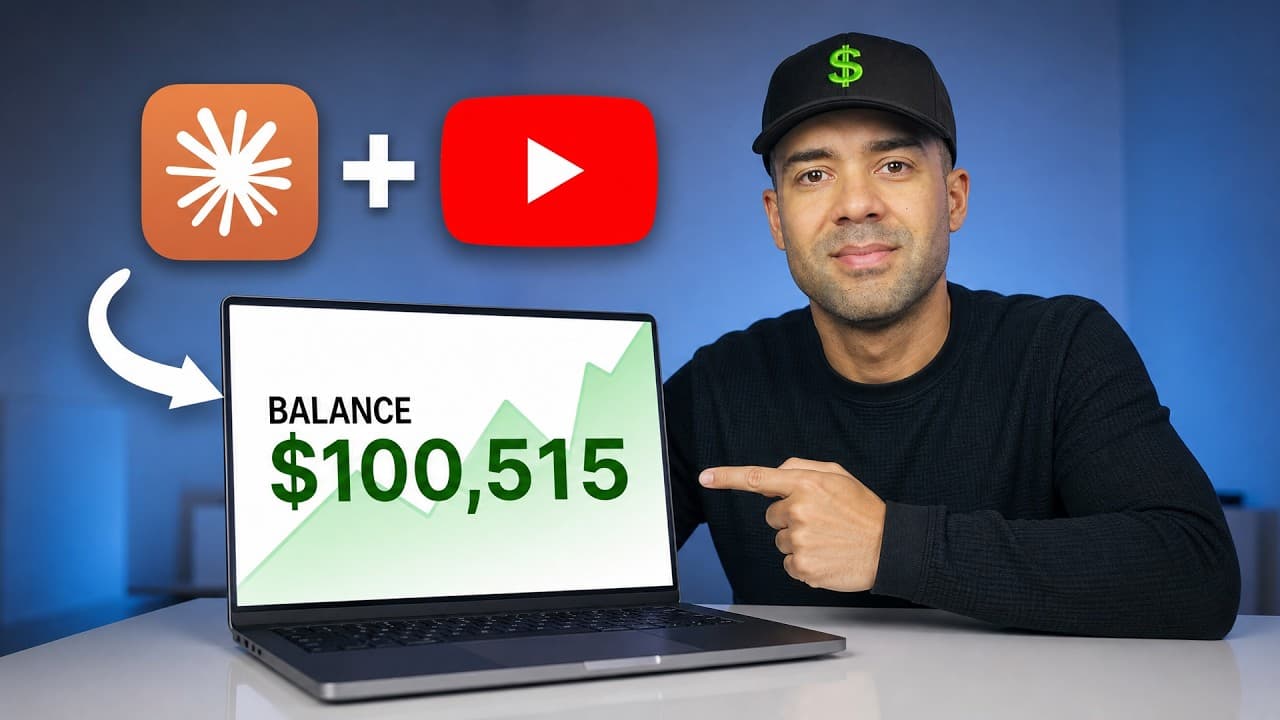
Growing a YouTube channel to monetization is traditionally a long, manual grind. I spent years building my channel to hit £95,000 (well over $100,000) in ad revenue, handling scripting, editing, clipping, and SEO optimization entirely by hand.
But if I were starting from scratch today, I would use Claude's new Model Context Protocol (MCP) integrations—effectively Claude AI plugins for YouTube—to automate the tedious work and hit that $100k milestone significantly faster.
Here is the exact stack of the four best Claude plugins I would use to run a high-yield YouTube channel with a fraction of the manual effort.
TL;DR: Best Claude YouTube Plugins at a Glance
If you want to skip the setup details and jump straight to the tools, here is a quick summary of the best Claude MCP plugins for YouTube automation:
| Plugin / Tool | Best For | Key Feature |
|---|---|---|
| OpusClip | Bulk Shorts clipping & scheduling | Auto-selects viral moments from raw folders and posts directly to YouTube. |
| vidIQ | Audience & competitor research | Extracts competitor outliers, performs automated SEO, and writes high-CTR titles. |
| HeyGen | Avatar production & localized scripting | Generates digital twins and automates news-driven faceless channel content. |
| Higgsfield | High-end visual assets & B-roll | Generates custom motion graphics, removes video backgrounds, and creates automated thumbnail variations. |
Table of Contents
- What is Claude MCP (and Why Does YouTube Automation Need It)?
- 1. OpusClip: Bulk-Create and Schedule Viral Shorts
- 2. vidIQ: Real-Time Competitor Insights & SEO
- 3. HeyGen: Avatar Generation and Automated Graphics
- 4. Higgsfield: High-End Motion Graphics & Thumbnails
- Summary: The Automated $100K Channel Blueprint
- Frequently Asked Questions (FAQ)
Prefer to watch? Here's the video. Prefer to skim? The full breakdown is below.
Quick Links to Get Started
- OpusClip: Try it here: Try OpusClip →
- vidIQ: Try it here: Try vidIQ →
- HeyGen: Try it here: Try HeyGen →
- Higgsfield: Try it here: Try Higgsfield →
What is Claude MCP (and Why Does YouTube Automation Need It)?
Before diving into the tools, it's important to understand how these connections work.
Historically, using AI meant jumping between browser tabs: prompting ChatGPT or Claude for a script, copying it, opening an editing app, uploading files, and manually scheduling videos.
With the introduction of Anthropic's Model Context Protocol (MCP), Claude can now connect directly to your local computer folders or cloud accounts via custom "connectors". This means Claude stops guessing and starts executing. It can fetch raw video files, read your real-time channel statistics, trigger video generation engines, and even post completed content back to YouTube—all from a single chat window.
Here is how you can stack these integrations to scale your channel.
1. OpusClip: Bulk-Create and Schedule Viral Shorts
One of the main reasons many long-form creators miss out on Shorts growth is the sheer time commitment required to re-edit old content. I rarely made Shorts on my channel over the years because going back to extract standalone segments felt like a chore. However, channels that put in the effort grew exponentially faster.
The OpusClip MCP plugin connects Claude directly to your completed long-form library. Instead of uploading videos one by one, you can hand Claude a local folder containing your raw footage. Claude analyzes the files in bulk, triggers OpusClip to extract the most engaging moments, styles them with captions, and schedules them straight to your YouTube channel at peak viewing times.
 Caption: Prompting Claude to extract short clips in bulk from local source folders.
You can even instruct Claude to search X (formerly Twitter) for trending topics within your niche, identify older videos where you mentioned those topics, and direct OpusClip to clip those exact moments for immediate, highly relevant social posts.
Try it here: Try OpusClip →
How to Connect OpusClip to Claude
- Go to the official website and sign up for an account.
- Navigate to the Features tab and select MCP.
- Choose Claude from the integration options.
- Copy the server URL provided and follow the standard on-screen steps to link it as a custom connector inside Claude.
 Caption: Selecting the Claude configuration option on the OpusClip MCP developer dashboard.
2. vidIQ: Real-Time Competitor Insights & SEO
Doing keyword research, monitoring competitor uploads, and predicting which video concepts will succeed can take hours of manual spreadsheets. Claude on its own doesn't have real-time access to current YouTube trends—which is where the vidIQ MCP integration steps in.
Once authorized, vidIQ turns Claude into a live channel strategist. You can ask Claude to pull live data from competitor channels, isolate "outlier videos" (videos that drastically outperform a competitor’s average views per hour), write optimized titles designed to capture high CTRs, and check search volume for targeted keywords.
 Caption: Claude pulling live video performance data and generating title ideas using the vidIQ connector.
Additionally, Claude can scan your video comment section to flag audience requests, pinpoint where older videos fell flat, and outline scripts designed to solve your audience’s pain points.
Try it here: Try vidIQ →
How to Connect vidIQ to Claude
- Log into your account and navigate to your Account Settings.
- Select the MCP tab and copy your unique server URL.
- Open Claude, navigate to Settings -> Connectors (or Integrations depending on your layout).
- Click Add Custom Connector, name it "vidIQ", paste your URL, and click authorize.
- Under permission toggles, make sure Channel Stats, Competitors, Outliers, and Keyword Research are enabled.
3. HeyGen: Avatar Generation and Automated Graphics
I personally prefer putting myself on camera to establish human connection. However, I recognize that many creators build highly profitable "faceless" channels using AI avatars or digital clones of themselves.
The HeyGen MCP integration connects Claude directly to HeyGen’s video generation engine. You can set up automated loops where Claude identifies breaking news, writes a script, and hands it to HeyGen to output a fully rendered avatar-hosted video.
If you don't like using avatars, HeyGen has also introduced a second tool called HyperFrames, which is a free connector built to dynamically overlay text and graphic visuals onto your videos based on your spoken script.
Try it here: Try HeyGen →
How to Connect HeyGen MCP & HyperFrames
- For HeyGen Avatars: Register on the website, go to Developers -> MCP, and copy the connection guidelines.
- For HyperFrames (Free): Inside Claude settings, go to the Connectors search bar, type in "hyperframes", select HyperFrames by HeyGen, and click add.
 Caption: Activating the HyperFrames by HeyGen connector inside Claude's native settings panel.
4. Higgsfield: High-End Motion Graphics & Thumbnails
The battle for high-retention CTR comes down to strong visuals, creative B-roll, and clickable thumbnails. Higgsfield acts as Claude's visual production suite, enabling creators to generate cinematic ad-style videos, run background removals, upscale resolution, and generate custom motion graphics.
My favorite application of the Higgsfield MCP is automated thumbnail testing. You can instruct Claude to analyze a newly completed video file, pull screenshots, and automatically prompt Higgsfield to generate multiple custom, styled thumbnail variants tailored to the video’s exact subject matter.
 Caption: Reviewing a custom-generated motion graphic inside the Claude workspace via Higgsfield.
Instead of spending hours designing templates in Photoshop, you can simply feedback on lighting or elements to Claude, which refines its own visual prompts to regenerate matching assets.
Try it here: Try Higgsfield →
How to Connect Higgsfield to Claude
- Sign up on the website.
- Click the MCP tab on the dashboard, making sure you select Claude.
- Copy the custom connector details and add them to your Claude app setup.
 Caption: Setting up the custom server connection steps for Higgsfield's image and video engine.
Summary: The Automated $100K Channel Blueprint
If you want to construct the ultimate workflow, combine these four plugins together:
- Use vidIQ to find high-traffic outlier topics and generate optimized, high-click titles.
- Draft your script in Claude, utilizing HeyGen or HyperFrames to handle basic avatar or text overlay generation.
- Feed the assets to Higgsfield to generate cinematic motion graphics, customized B-roll, and high-quality thumbnail variations.
- Run your final long-form video through OpusClip to automatically isolate, caption, and schedule viral Shorts to capture additional algorithmic reach.
With these tools integrated via MCP, you can cut out hours of switching tabs, file sorting, and manual uploading—giving you a faster path to $100k than ever before.
Frequently Asked Questions (FAQ)
What is a Claude MCP plugin?
MCP stands for Model Context Protocol. It is an open standard developed by Anthropic that allows AI models like Claude to safely connect directly to external developer platforms, databases, and third-party software (like vidIQ or OpusClip) to execute tasks.
Are these Claude plugins free to use?
Setting up the connectors inside Claude is generally free, but you will still need active accounts with each underlying service (some of which offer free trials or starter credits) to run their video-generation and data-fetching servers.
Can Claude post videos directly to my YouTube channel?
Yes. Both Claude and the OpusClip plugin can connect to your YouTube API permissions, allowing you to tell Claude to schedule and post clips natively.