The Best AI Dubbing Tool for Online Course Creators
Last updated: 27 August 2026
Author: Greg Preece — I cover AI video tools and practical creator workflows.
I have made video for a living for 10 years and run a YouTube channel of over 130,000 subscribers, and I have dubbed my own videos into Spanish, Hindi, Italian, Mandarin and Portuguese. Here is why HeyGen is the one I would point a course seller at.
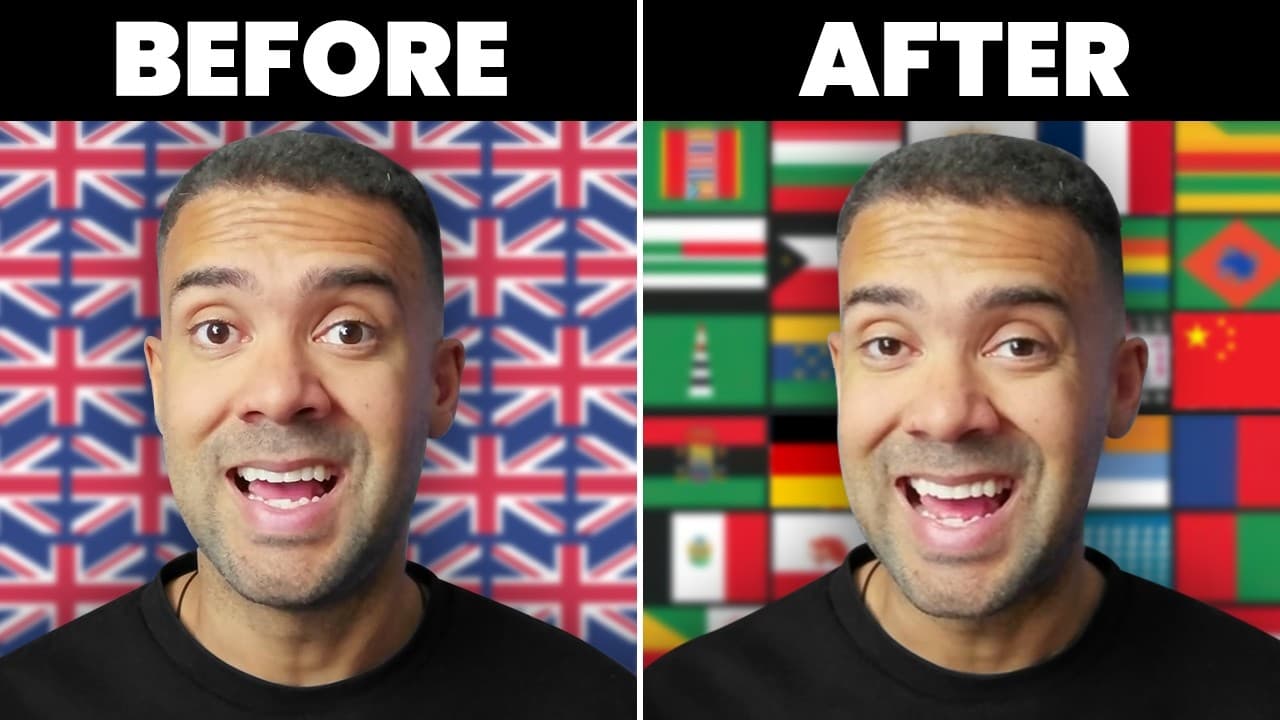
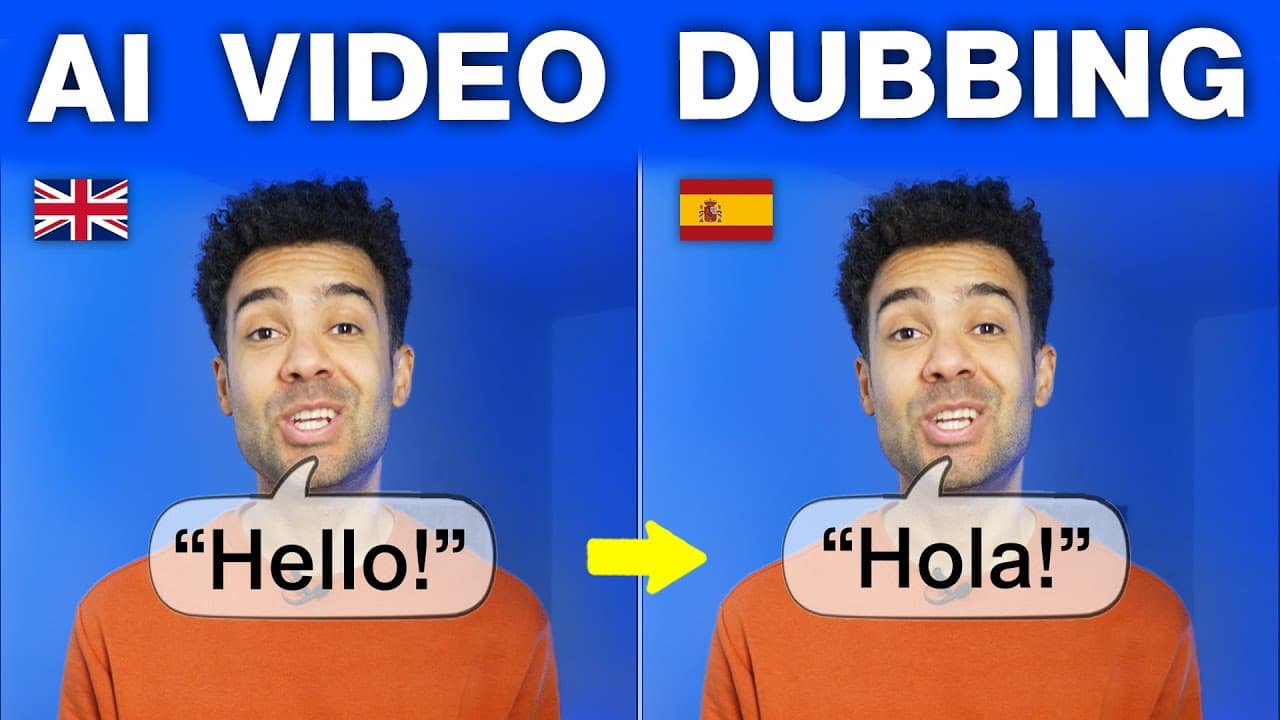
If you already have a course recorded and you want to sell it in another language, HeyGen is the right tool. It is an AI video translator that clones your voice and moves your mouth to match the new words. The reason it wins for courses specifically is that it will translate one lesson into up to 10 languages in a single job, and then give you one player you can embed that switches between them.
That last part is the bit nobody talks about. Dubbing one video is easy. A course is 30 or 40 videos, and the real work is not the translating. It is managing 400 files afterwards. HeyGen groups the versions together and hands you one embed instead.
In short
- Best for a recorded course where you are on camera, with one speaker and clean audio.
- One job translates a lesson into up to 10 languages at once.
- Your voice is cloned, so the Spanish version still sounds like you.
- Videos in a collection get a single player you can drop into your own site or your course platform.
- Turn on Dynamic Duration before you translate. It is the setting most people skip and it is the difference between good and obviously dubbed.
- It will not replace text you have burned into your slides.
On this page
- Who HeyGen is for
- The problem selling a course in one language leaves you with
- Why HeyGen solves it
- What I found using HeyGen
- Where HeyGen falls short
- What else I considered
- What HeyGen costs
- Getting started
- Method and freshness
Who HeyGen is for
This is for you if:
- Your course is already filmed and you are not filming it again.
- You are on camera in most lessons, on your own.
- The audio is you talking, with no music bed under it.
- You sell somewhere you can embed a player, or on your own site.
This is not for you if:
- Your lessons are screen recordings with a voice over the top and no face. You only need the audio translated, and lip sync buys you nothing.
- Your slides have words baked into them. Nothing on HeyGen's translator page says it replaces text inside the picture, so you would end up with Spanish audio over English slides.
- Two people appear on screen at once. When I tested this, more than one face in shot confused the lip sync.
- You teach live. There is nothing to dub.
The problem selling a course in one language leaves you with
You filmed the course once. Selling it in Spanish means one of two things. You add subtitles, which most buyers treat as a cheaper product. Or you pay a person to dub it.
The second one is where people give up, and the reason is arithmetic rather than price. A course is not a video. It is 30 or 40 of them. Whatever dubbing one lesson costs, multiply it by 40. Then multiply that by every language you wanted. Most course sellers do the sum once and never do it again.
There is a second cost that only shows up later. Once you have four language versions, you have four of everything. Four sets of files, four uploads, four places a student can land on the wrong one. Re-record one lesson and you have four lessons to redo.
Why HeyGen solves it
Ten languages in one job. You upload the lesson, or paste a YouTube link, pick your languages and go. HeyGen says you can pick up to 10 at once, out of more than 175. For a 40-lesson course that turns 400 separate jobs into 40.
One player instead of ten videos. Videos you group into a collection get a multilingual player you can embed on any page or in your course platform. This is the part that changes the maths. You publish one thing, and the student picks the language.
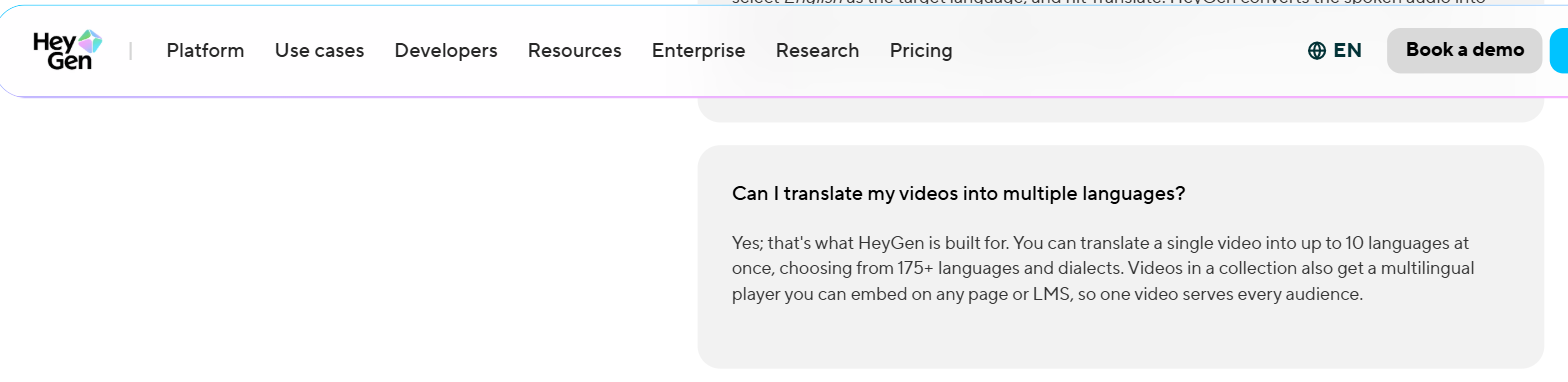
HeyGen's own FAQ on its AI Video Translator page, captured 7 September 2026: one video into up to 10 languages at once out of more than 175, and a multilingual player for videos in a collection that embeds on any page or LMS.
Your voice, not a voice. HeyGen clones your voice and carries your tone across. For a course this matters more than it does for an advert, because the person buying has usually watched you for free first and knows what you sound like.
A glossary you control. HeyGen lets you set terms that must be translated a specific way, terms that must not be translated at all, and words it needs to pronounce correctly. Courses are full of both. If you have spent 6 lessons defining a term, you do not want lesson 7 translating it into something else.
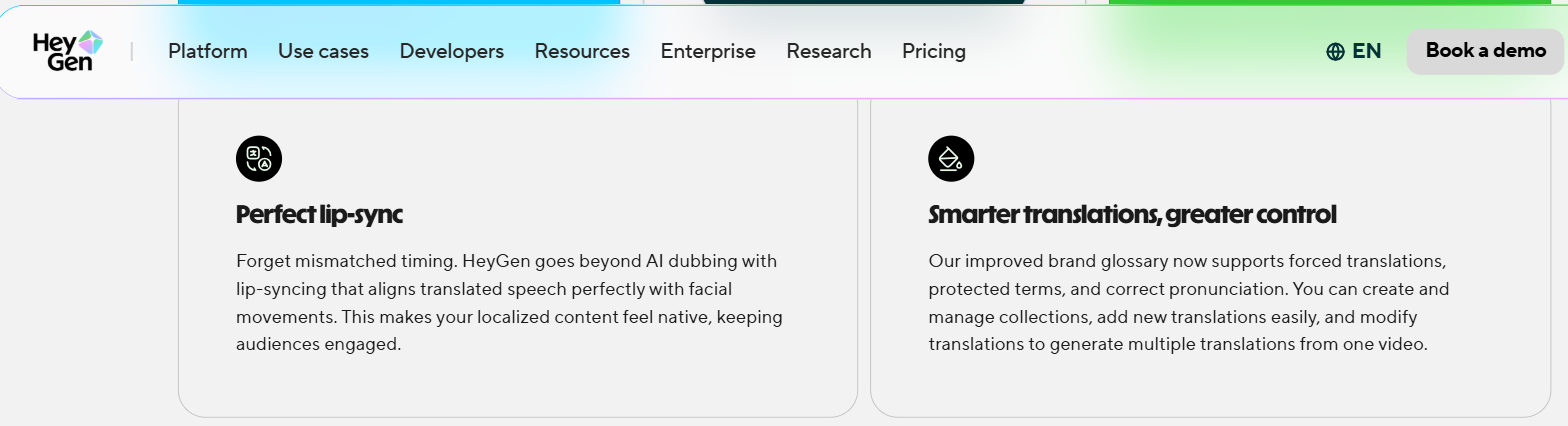
The same page, captured 7 September 2026, on the brand glossary supporting forced translations, protected terms and correct pronunciation.
A proofreading step before it commits. There is an Edit and Review stage where you read the translated script before it renders. Use it. HeyGen built that step because the first pass is not always right.
What I found using HeyGen
Pick hyper-realistic translation, not audio dubbing. They are two different options and only one of them moves your mouth. If your face is on screen and you pick the wrong one, you get Spanish audio over an English mouth.
Turn on Dynamic Duration. It sits under Advanced options and almost everyone skips straight past it. What it does is let the system stretch or shorten each segment slightly so the translated speech lands naturally. With it on, my timing looked seamless. With it off, the result is still usable, but the pauses land a beat late and it starts to feel pasted on. This is written up in full in HeyGen — dubbing with lip sync and the Dynamic Duration setting.
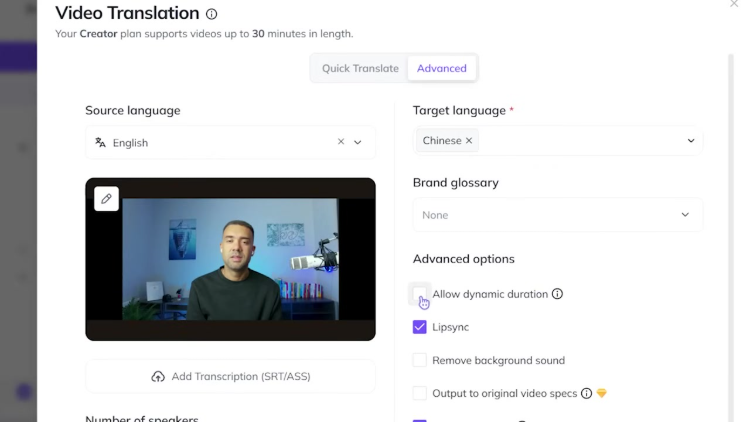
Dynamic Duration sits under Advanced options in the translation dialog, one line above Lipsync, and it is off until you tick it.
Watch the mouth on hard consonants. When you review the output, the first place timing problems show is on plosive sounds and short pauses. If those look right, the rest usually does.
Your source file decides the result. I got clean output when the recording had no background music, no sound effects and one person facing the camera, speaking at a steady pace. I got worse output when it did not. The full walkthrough of translating my own videos into Spanish, Hindi, Italian and Mandarin is in HeyGen — translating my own videos into other languages.
Where HeyGen falls short
The free tier will not carry a course. There is one, and it caps both how many videos you can translate and how long each one can be. A course library runs past it on the first afternoon. Treat the free tier as a way to check the output on one lesson, not as a plan.
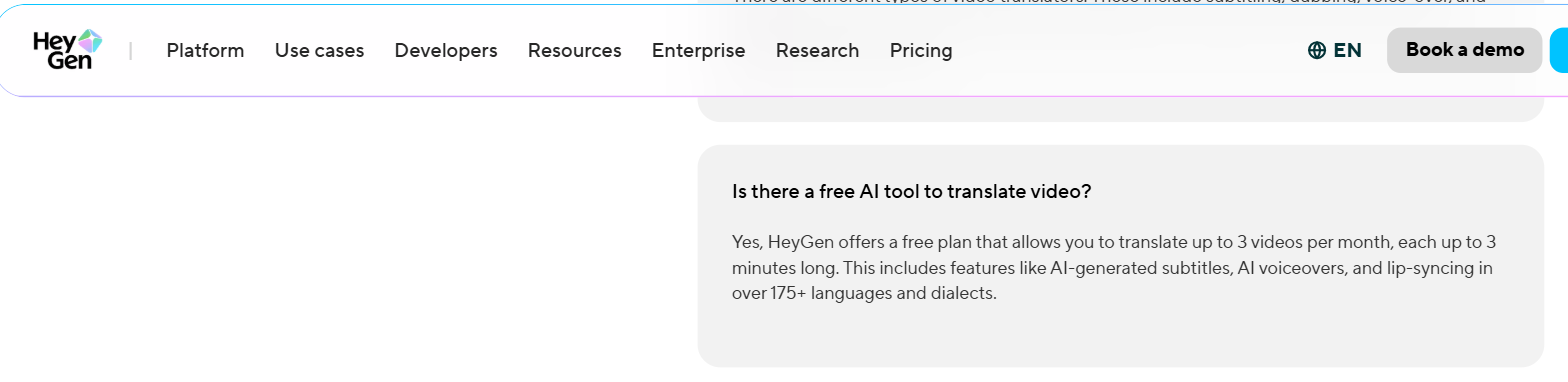
The same FAQ, captured 7 September 2026, setting out what the free plan caps.
Slides are still a problem. HeyGen's translator page talks about voice, lip sync and subtitles. It does not say it replaces words that are part of the picture. If your teaching is slide-heavy, dubbing gets you halfway and you still have a design job.
More than one face in shot is where it struggles. That rules out panel lessons, interviews and anything filmed with a guest.
Ten at a time is still a batch. If you want 20 languages, that is two passes per lesson, not one.
Every language is a version you now own. This is the honest cost of doing it at all. Fix a mistake in lesson 12 and you fix it 10 times.
What else I considered
ElevenLabs is the better pick when the lesson is your voice over a screen recording and your face never appears. The question stops being lip sync and starts being whether the voice holds up, which is what it is built for. I have written about ElevenLabs — dubbing v2 review and tutorial separately.
Descript makes sense if you are already editing the lesson there. Translation sits inside the edit instead of being a separate step you go somewhere else to do, which matters when you know you will be re-cutting anyway. I have covered Descript — translating video and captions before.
Synthesia is doing a different job. It builds the lesson from a script using a presenter rather than translating footage of you. That is the right choice if you have not filmed yet and never intend to. It is the wrong one if the course already exists, because you would be rebuilding it rather than translating it.
What HeyGen costs
HeyGen sells plans that mix a credit balance with limits on how much finished video you can make, so the thing to look at is minutes of output rather than the headline number. Current figures for HeyGen sit on my comparison page for avatar video.
One thing worth knowing before you commit. Translation spends from the same allowance as everything else you make, so a heavy month of dubbing is a month you are not making anything else.
Getting started
- Pick your best-performing lesson, not lesson 1. You want to judge this on something you know works.
- Check the audio first. No music bed, no sound effects, one voice.
- Choose hyper-realistic translation so you get lip sync.
- Open Advanced options and turn on Dynamic Duration before you hit translate.
- Run one language. Watch the mouth on hard consonants and listen to the pauses. If it holds, batch the rest.
The free tier is enough to get through steps 1 to 5 on a single lesson, which is all you need to decide. You can start at Try HeyGen →.
Method and freshness
The first-hand parts of this page come from my own dubbing work, linked above. HeyGen's own translator page was read on 27 August 2026 to confirm the language count, the 10-language batch and the multilingual player. I have not tested HeyGen on a slide-heavy course, and nothing above should be read as a comparison I have run against ElevenLabs, Descript or Synthesia.