Best AI Dubbing Tool: How I Translate My Videos Using HeyGen
Last updated: July 2026
Author: Greg Preece — I test AI video tools hands-on to show creators how to break language barriers and grow their audiences fast.
Expanding your audience beyond English-speaking countries used to require expensive localization studios and voice actors. Today, advanced AI tools make it possible to translate your voice into dozens of languages with natural lip-syncing in just a few clicks. In this guide, I'll show you how to use HeyGen—the best AI dubbing tool I've tested—to localize your video content and grow your global reach.
If you are localizing a full course rather than individual YouTube videos, I cover the workflow and batch-management trade-offs in my HeyGen guide for online course creators.
TL;DR
- The Best Solution: HeyGen's Video Translate feature (found under their Labs section) is currently the gold standard for high-quality, realistic AI dubbing.
- Key Features: It automatically clones your unique voice and utilizes AI lip-syncing to make your mouth movements match the translated speech.
- Why Use It: Translating your content unlocks international markets. Top creators like MrBeast use multi-language audio tracks to command massive global audiences.
- Best Workflow Practices: For the cleanest output, record your source video with zero background noise and focus on a single speaker.
Prefer to watch? Here's the video. Prefer to skim? The full breakdown is below.
Quick Links
HeyGen: Try it here: Try HeyGen →
Table of Contents
- The Power of AI Dubbing: Why Global Localization Matters
- Step-by-Step: How to Translate Your Videos Using HeyGen
- Best Practices for Clean AI Video Translations
- Next Steps: Scaling with Short-Form Content
- Frequently Asked Questions
The Power of AI Dubbing: Why Global Localization Matters
If you've watched a major creator like MrBeast recently, you might have noticed something interesting when clicking his video settings. Instead of managing dozens of separate regional channels, he uses YouTube’s multi-language audio track feature. Viewers can toggle from the original English audio track to Spanish, Hindi, Mandarin, Portuguese, or French with a single click.
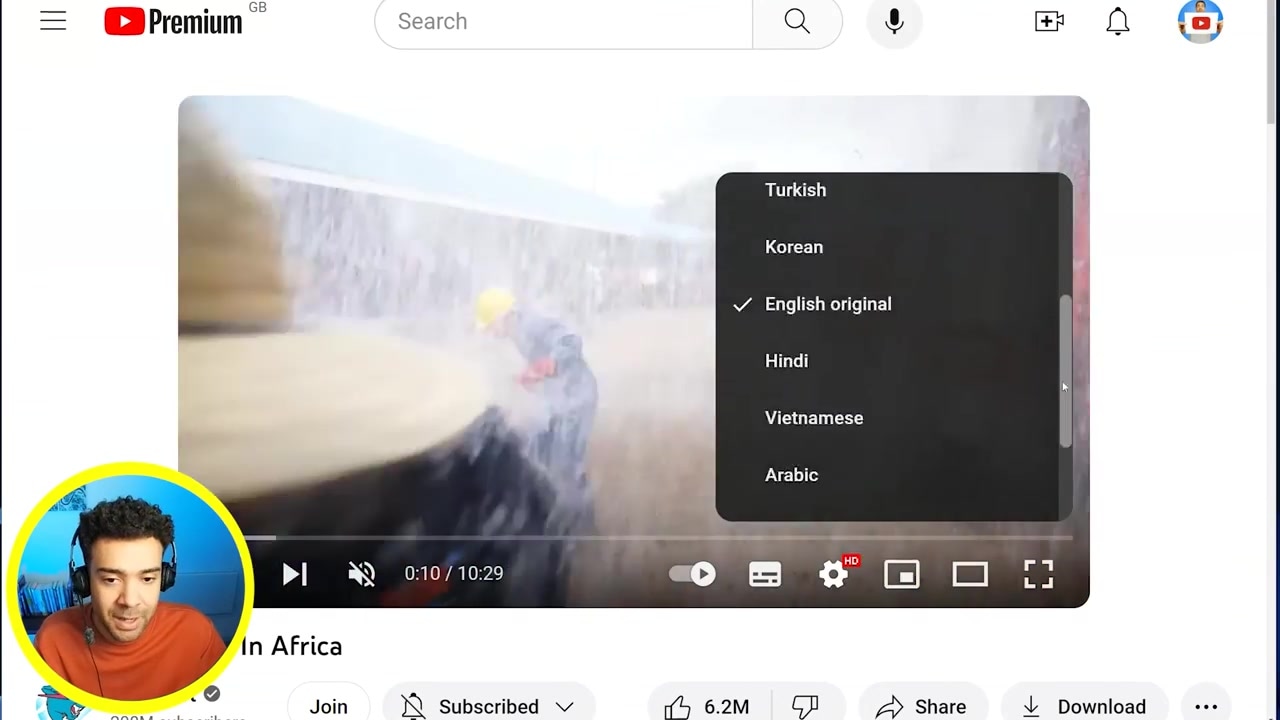
Caption: YouTube's native multi-language audio settings allow creators to host multiple language tracks under a single upload.
This optimization allows creators to target massive audiences outside the English-speaking world. In the past, achieving this level of professional dubbing cost hundreds of dollars per minute — here is what every HeyGen plan actually costs. Today, automated video dubbing tools put that exact same capability directly into your hands.
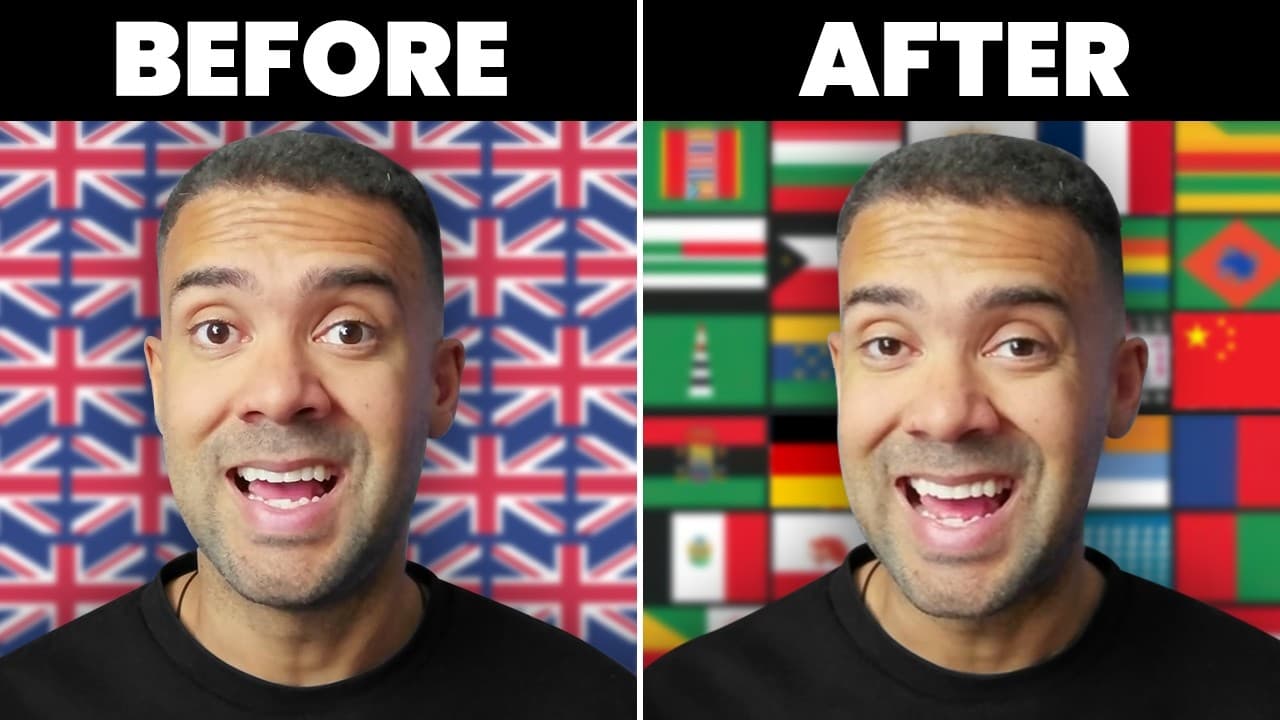
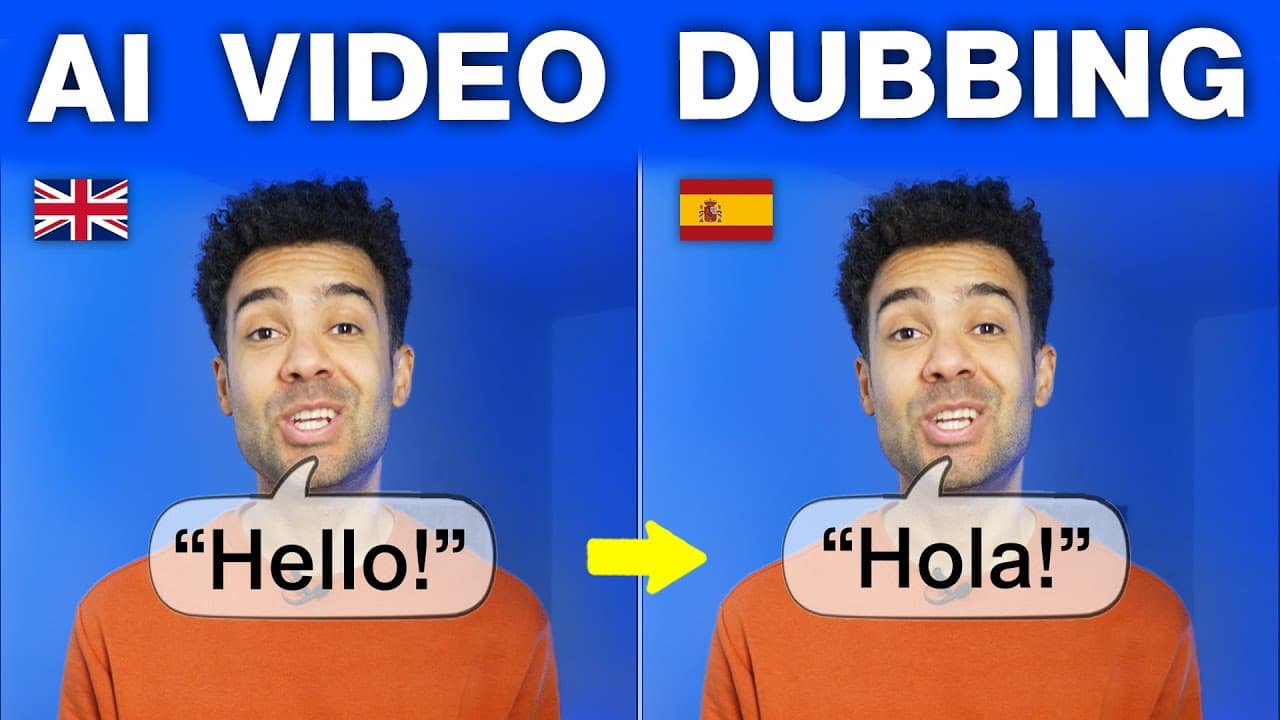
When I tested this technology, I was blown away. The AI translated my spoken English into Spanish, Hindi, Italian, and Mandarin. What makes this the best AI dubbing tool on the market is its ability to clone your exact voice print and apply generative AI lip-syncing so that your mouth naturally matches the new language.
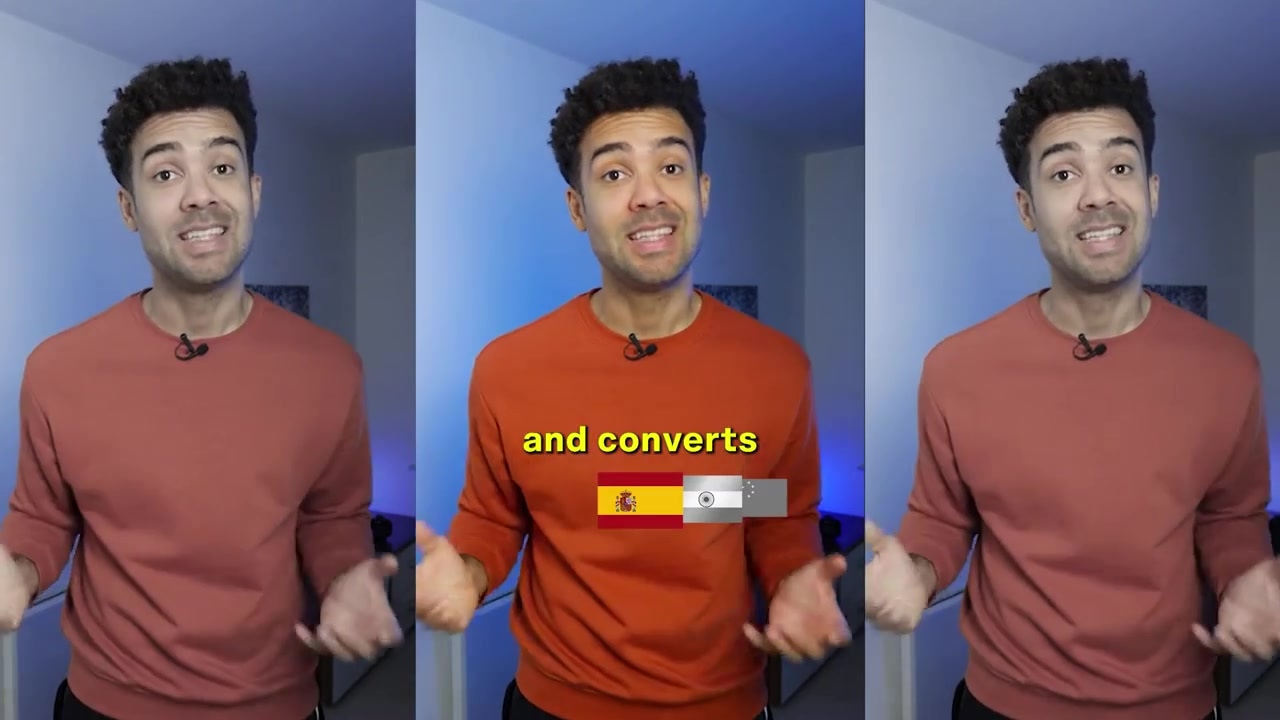
Caption: HeyGen clones your natural voice and alters your lip movements to seamlessly align with the translated audio.
Step-by-Step: How to Translate Your Videos Using HeyGen
Getting started with automated video translation is highly straightforward. Here is the exact workflow I use to localize my videos inside HeyGen.
Step 1: Open the Video Translate Tool
Log into your account and navigate to the dashboard. Under the Labs section on the left-hand panel, click on the Video Translate tool.
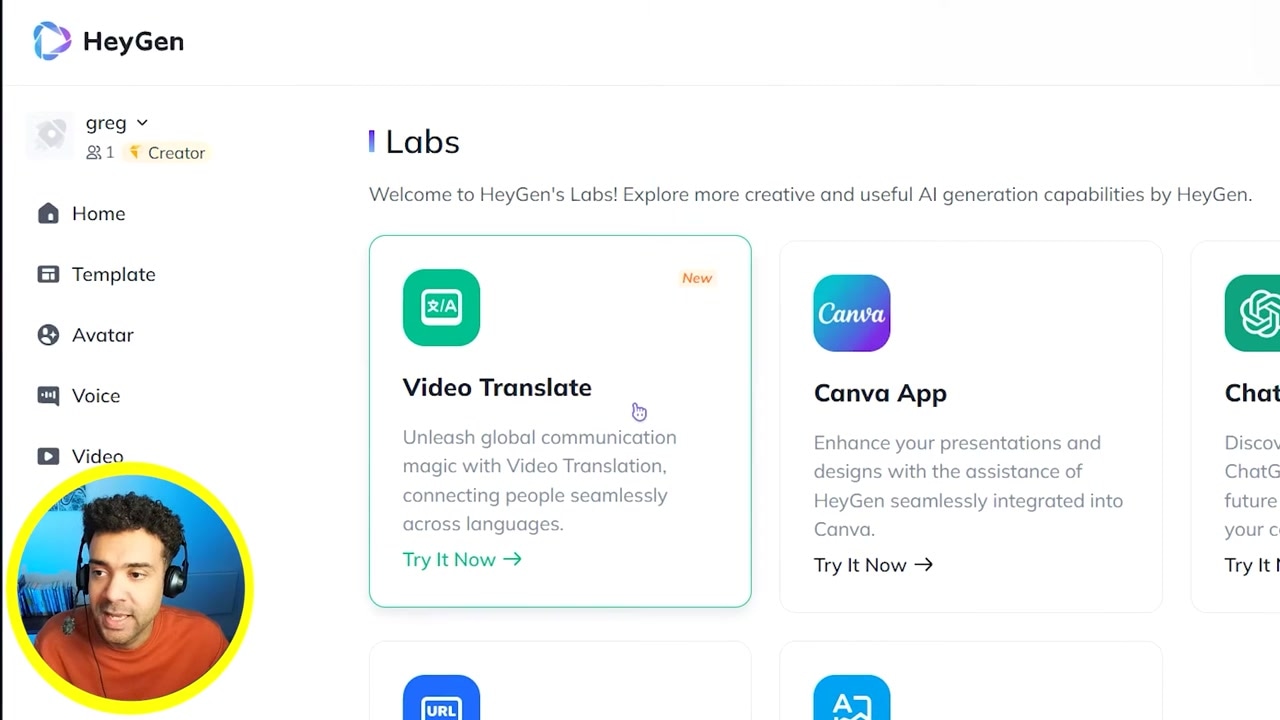
Caption: Locate the "Labs" menu option to find advanced beta tools like Video Translate.
Step 2: Upload Your Video File
Take the English video you want to translate and drop it directly into the upload area.
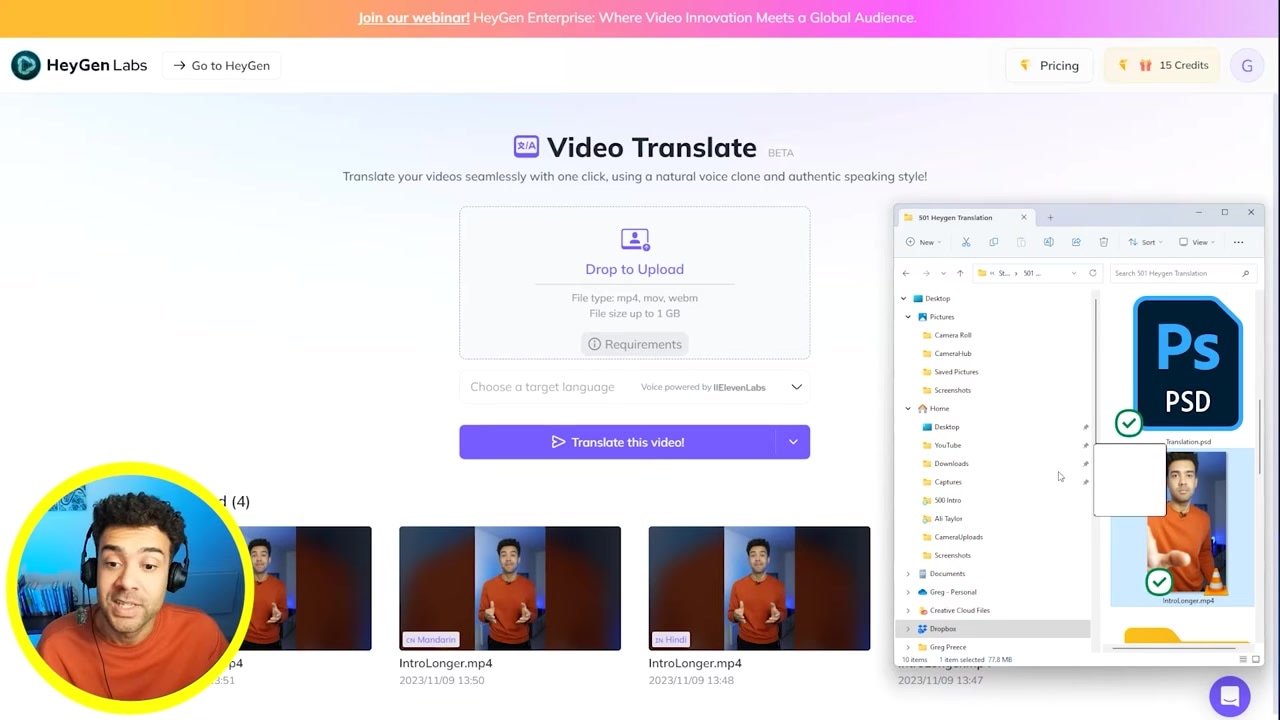
Caption: Drag and drop your MP4 or relevant video file into the designated upload square.
Step 3: Choose Your Target Language
Click on the language selection box to specify the target language you want to generate. HeyGen supports an extensive range of international languages and regional dialects. For my walkthrough, I chose Portuguese, but you can choose from Spanish, Mandarin, Hindi, Italian, and many others.
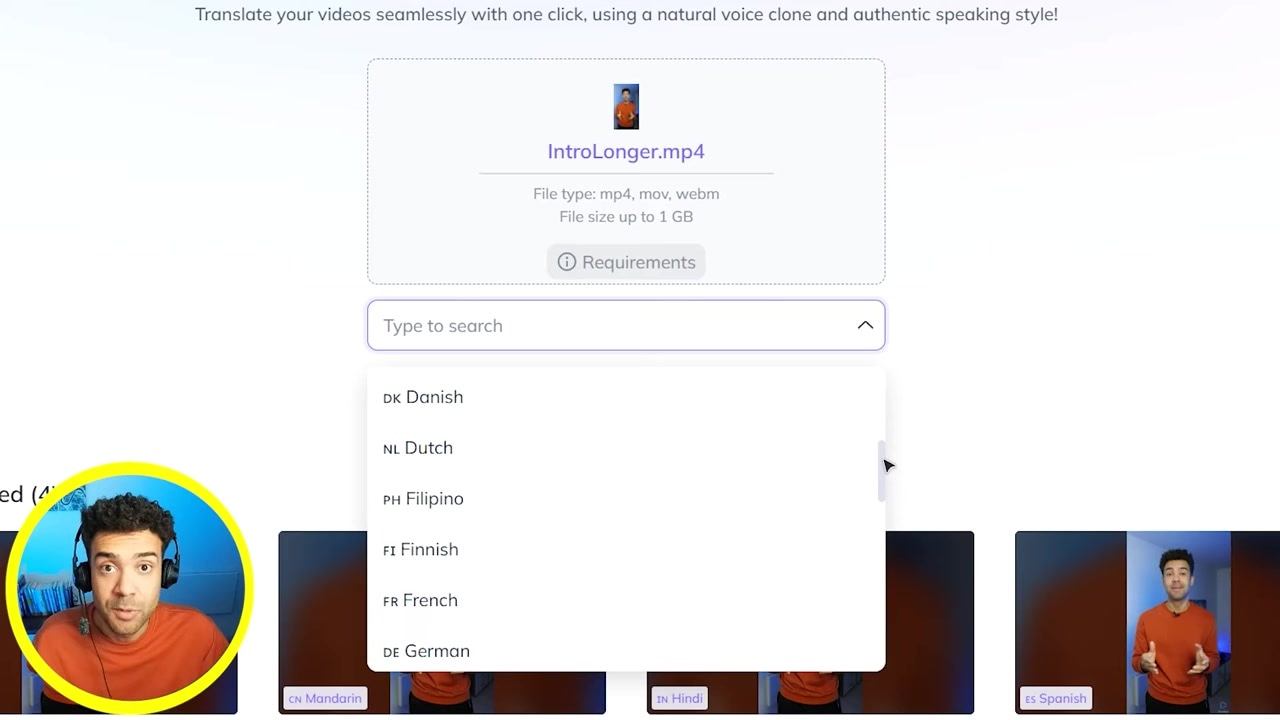
Caption: Select your desired target language from the extensive dropdown menu before submitting.
Step 4: Submit and Let the AI Process
Click the submit button to upload and process your file. You will see your translation task appear in the queue at the bottom of the screen as it processes.
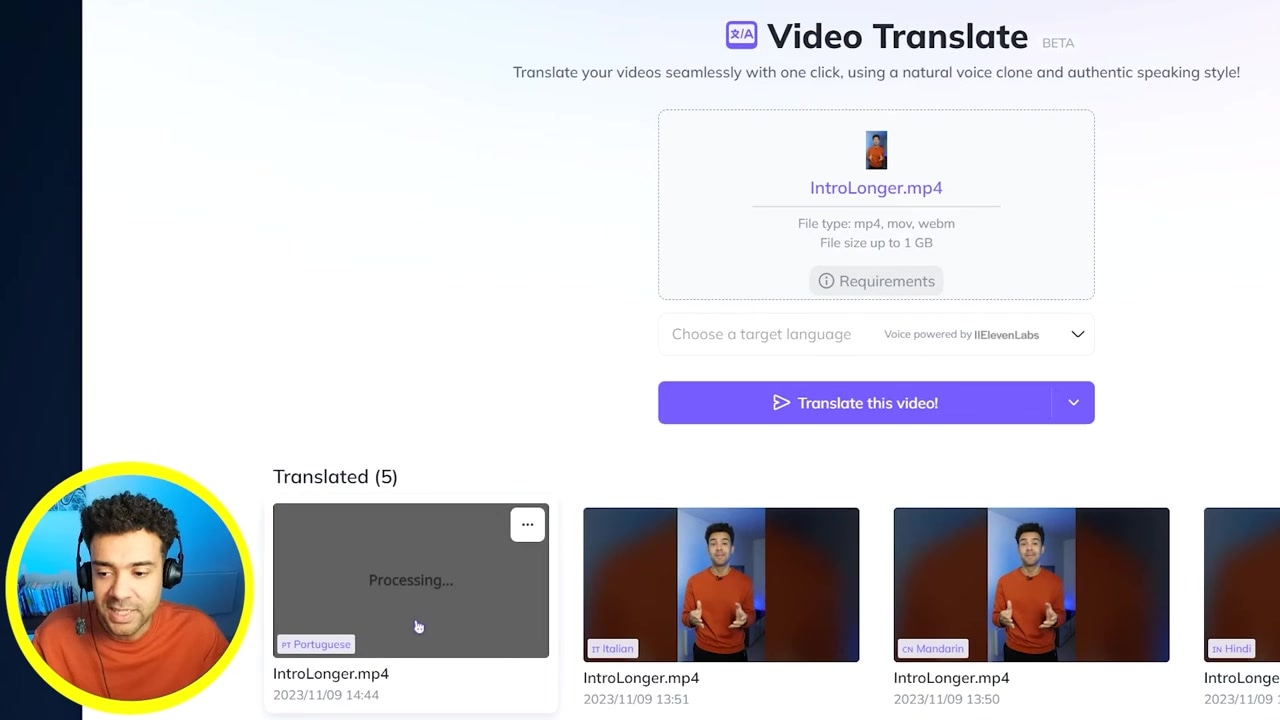
Caption: Monitor the status bar at the bottom of the interface to see when your dubbed video is ready for download.
Once the processing is complete, you can download your newly dubbed video with matching voice clones and lip-syncing, ready to upload to YouTube or social platforms.
Best Practices for Clean AI Video Translations
While the AI handles the heavy lifting, the quality of your output depends heavily on the source material. Based on my hands-on testing, keep these rules in mind to get perfect results:
- Eliminate Background Noise: The AI voice translator performs best when there is zero ambient noise, background music, or sound effects in your source file. Clean vocal tracks ensure the voice clone sounds natural and clear.
- Focus on a Single Speaker: Multi-person scenes can confuse the lip-sync and translation algorithms. Stick to videos featuring a single, clear speaker facing the camera for the most seamless visual match.
- Keep Pacing Steady: Clear, deliberate pronunciation makes it easier for the transcription engine to translate your text accurately before generating the voiceover.
Next Steps: Scaling with Short-Form Content
Once you successfully translate your long-form videos into multiple foreign languages, the next logical move is to cut those localized videos into highly engaging short clips (TikToks, YouTube Shorts, and Instagram Reels).
Using an AI clipping tool in tandem with your translated master files is an incredibly fast way to build a massive global presence across multiple platforms simultaneously.
If you're ready to break down language barriers and start localizing your content today, give HeyGen's video translation a try: Try HeyGen →
Frequently Asked Questions
Does HeyGen translate the actual text inside the video?
Yes, HeyGen is capable of translating on-screen text elements in addition to dubbing the audio track, making it a comprehensive solution for complete video localization.
What languages are supported by HeyGen's Video Translate?
HeyGen supports a wide variety of target languages, including Spanish, Portuguese, Hindi, Mandarin, Italian, French, German, and many more.
How does the lip-syncing feature work?
The AI analyzes the generated translated audio track and visually modifies the speaker's mouth in the video. This creates a realistic output where it looks as if the speaker is naturally speaking the target language.