Higgsfield + Claude Fable 5 = A Month Of Facebook Ads in 5 Minutes
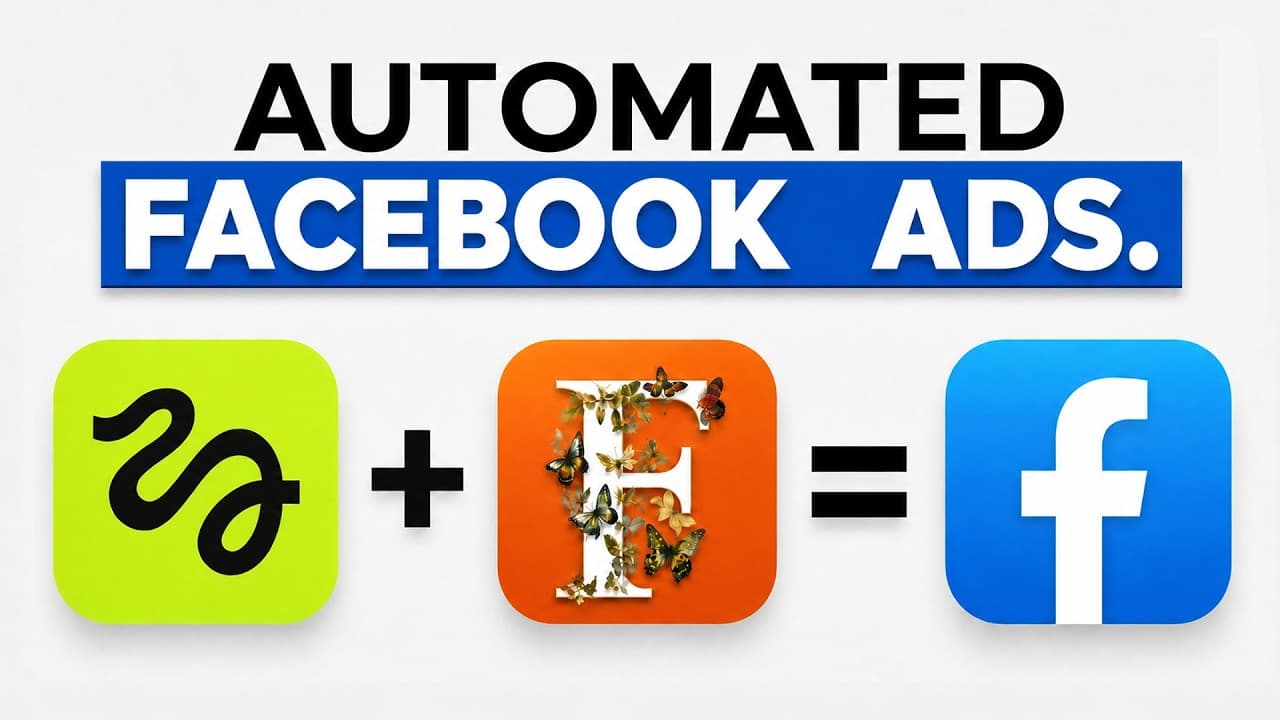
Generating high-quality marketing creatives is usually a slow, expensive grind. By combining the reasoning power of Claude Fable 5 with Higgsfield AI’s visual generation tools, you can script, design, and plan a 30-day Facebook ad campaign in minutes. This hands-on guide walks through the exact workflow to automate your strategy, build high-converting assets, and connect the pipeline straight to your Meta Ads account.
TL;DR: What You Will Learn
- The Workflow: How Claude Fable 5 functions as a strategic planner and creative director inside Higgsfield AI.
- Bulk Ad Generation: The steps to produce consistent image ads, cinematic video ads, and a custom 15-page lookbook lead magnet in one sweep.
- Meta Integration: How to use the Model Context Protocol (MCP) connector to link Higgsfield to your ad accounts for automated optimization.
Table of Contents
- [Why Claude Fable 5 Inside Higgsfield Changes the Game](#why-claude-fable-5-inside-higgsfield-changes-the-game)
- Step 1: Map Out Your 30-Day Facebook Ad Strategy
- Step 2: Bulk Generate Your Creatives and Lead Magnet
- Step 3: Connect and Optimize Your Ads with Custom MCPs
- Hands-On Testing: What Worked and What Didn't
- Frequently Asked Questions
Prefer to watch? Here's the video. Prefer to skim? The full breakdown is below.
Try it here: Try Higgsfield →
Why Claude Fable 5 Inside Higgsfield Changes the Game
While many marketers use Anthropic's Claude Fable 5 in a standard chat window, the real power unlock occurs when you give the model "hands". By embedding Claude Fable 5 inside Higgsfield's Supercomputer interface, the model can go from simply generating text ideas to directly rendering images, editing video, and configuring marketing assets.
Higgsfield AI acts as a centralized visual engine, while Claude Fable 5 operates as the orchestrator—handling product research, asset organization, scripting, and optimization under one roof.
Step 1: Map Out Your 30-Day Facebook Ad Strategy
To demonstrate the workflow, I ran a test using photos of a physical product I own: an Adobe corduroy cap. The goal was to generate a fully tailored 30-day campaign strategy complete with branding directions and ad concepts.
 Caption: The Higgsfield Supercomputer dashboard where you can launch agentic workflows powered by Claude Fable 5.
1. Access the Supercomputer
Go to the Higgsfield AI homepage and select Supercomputer from the top navigation bar. This workspace allows you to run end-to-end, multi-step marketing agents.
2. Upload Your Assets and Prompt the Agent
Upload clean photos of your physical product. Enter a detailed prompt establishing the goals of your campaign. Here is the structure I used:
- The Task: Instruct the agent to build a day-by-day Facebook ad strategy.
- Branding Guidelines: Ask the model to suggest unique branding directions (A, B, C, and D) or upload your own corporate brand guidelines as a PDF.
- Ad Formats: Specify the exact mix of creative assets you want. For example, ask for high-click-through static images alongside specific video types like product animations, unboxing videos, TV commercial styles, and virtual try-ons.
- Character Consistency: If you have created a digital character inside Higgsfield, select that element so the AI knows to use your likeness in the generated creatives. Otherwise, the tool will automatically draft generic AI influencer personas.
3. Review Design Themes and Lead Magnet Concepts
Submit your request. Claude Fable 5 will return four design mockups. Select the style that best aligns with your brand.
At this point, prompt the agent to develop a high-converting lead magnet. For my cap test, the model suggested a 15-page lookbook PDF showcasing "15 ways to style the cap."
 Caption: The Claude Fable 5 agent returns four distinct style directions to build the visual foundation for your campaigns.
Step 2: Bulk Generate Your Creatives and Lead Magnet
Once you approve the design style and lead magnet direction, Higgsfield’s Supercomputer will break down your entire 30-day pipeline into distinct campaign pillars:
- Lead Generation: Driving cold traffic to download your lead magnet lookbook.
- Prospecting Sales: Focusing on direct product benefits.
- Retargeting: Re-engaging interested users.
- Testing: Iterating on ad variations.
Rather than generating 30 days of assets at once and burning through your credits, start by commanding the tool to generate the copy and media for Day 1.
What Gets Created for Day One:
- Static Images: Multiple promotional graphic variations designed to drive sign-ups for the lead magnet.
- A High-Value PDF: In my test, Higgsfield autonomously wrote and styled a clean, 15-page fashion lookbook tailored directly to the cap.
- Cinematic Video Ads: High-fidelity video creatives with automatic music styling, camera movements, and clear AI voiceovers.
Step 3: Connect and Optimize Your Ads with Custom MCPs
An ad campaign is only as good as its ongoing management. Instead of manually downloading assets and creating ads in Meta’s Business Manager, you can connect Higgsfield directly to your advertising accounts to monitor and adjust creative variations based on real-time performance.
 Caption: Setting up a custom Model Context Protocol (MCP) server inside Higgsfield to sync with external platforms.
How to Install the Paid Ads Skill:
- Navigate to the Skills tab in the Higgsfield sidebar and click on Creative Marketing.
- Select the Paid Ads skill and click Install. This installs an optimization engine that can be triggered inside your chat stream via the
/paid adscommand.
Connecting to Meta via Custom MCP:
Because Meta Ads and Google Ads are not supported as out-of-the-box connectors like TikTok Ads, you must use a custom MCP (Model Context Protocol) connection:
- Under Connectors, select Custom MCP.
- Input the connection configurations. The official Meta developer documentation provides the required setup code to link the Meta Ads MCP.
- Once the server bridge is established, return to your Higgsfield campaign chat, type
/paid ads, and instruct the model to monitor your active campaigns. The agent will automatically identify high-performing creatives and spin up optimized design variations on autopilot.
Hands-On Testing: What Worked and What Didn't
I ran a full generation run to evaluate the output quality of Higgsfield’s video engines (including Seedance 2.0 and GPT Image 2) managed by Claude Fable 5:
The Positives:
- Incredible Efficiency: The entire campaign setup, copywriting, and PDF lead magnet generation took roughly 10 minutes to run.
- Cinematic Video Production: The generated product animation videos featured fluid camera motions and highly accurate AI voiceovers that felt completely natural.
- Lead Magnet Quality: The lookbook PDF layout looked polished, on-brand, and ready for lead capture with zero manual formatting required.
The Challenges:
- Character Consistency Bugs: While the system utilized my pre-saved character model well, it made a major mistake in one video ad by rendering my character completely bald.
- Minor Visual Kinks: One of the three static image assets had slight anatomy warping.
The Fix: Because you are working inside an interactive, agent-driven chat workspace, you can easily catch these issues during the "Day 1" generation test. Simply prompt the agent to fix the visual error (e.g., "Ensure the character has a full head of hair under the cap") before initiating the bulk generation for the remaining 29 days of your campaign.
Try it here: Try Higgsfield →
Frequently Asked Questions
What is the advantage of using Claude Fable 5 inside Higgsfield versus standard Claude?
Standard Claude can only suggest marketing plans and write copy. By connecting to Higgsfield through the Supercomputer or MCP server, Claude Fable 5 gains the ability to execute on its planning—generating actual images, high-fidelity videos, and complete multi-page document assets directly within the workflow.
Can I connect Higgsfield AI to other ad platforms?
Yes. Aside from the pre-built TikTok Ads connector, you can leverage custom MCP connections to link Higgsfield with Google Ads and Meta Ads.
How does the automated optimization work?
Once your Meta Ads MCP connection is active, you can use the /paid ads command. Higgsfield queries your Meta account data, determines which ad variations are driving the lowest cost-per-click, and automatically generates new design variations based on those winning creatives.
Last Updated: July 2026 Author: Greg Preece About the Author: Greg Preece is an automation specialist and digital marketer focused on streamlining asset pipelines using agentic AI models. Disclosure: This article contains affiliate links. If you click through and sign up, we may earn a commission at no additional cost to you.